Skip to content
auto/industrija
Menu

Not sure what the service is called? Send the make, model, year and what is happening: Message us on WhatsApp
Services by type

All services

Theft protection

Back to types

Faults and diagnostics

Back to types

Electronics and accessories

Back to types

Maintenance and care

Back to types

Inspection, registration and towing

Back to types
Call

Car multimedia installation

An old radio without a screen? In its place we fit a touch screen with navigation, CarPlay and Android Auto.

Send us the make, model and year, and the name of the unit if you already have one.

We work in several cities in Serbia. Tell us your city.
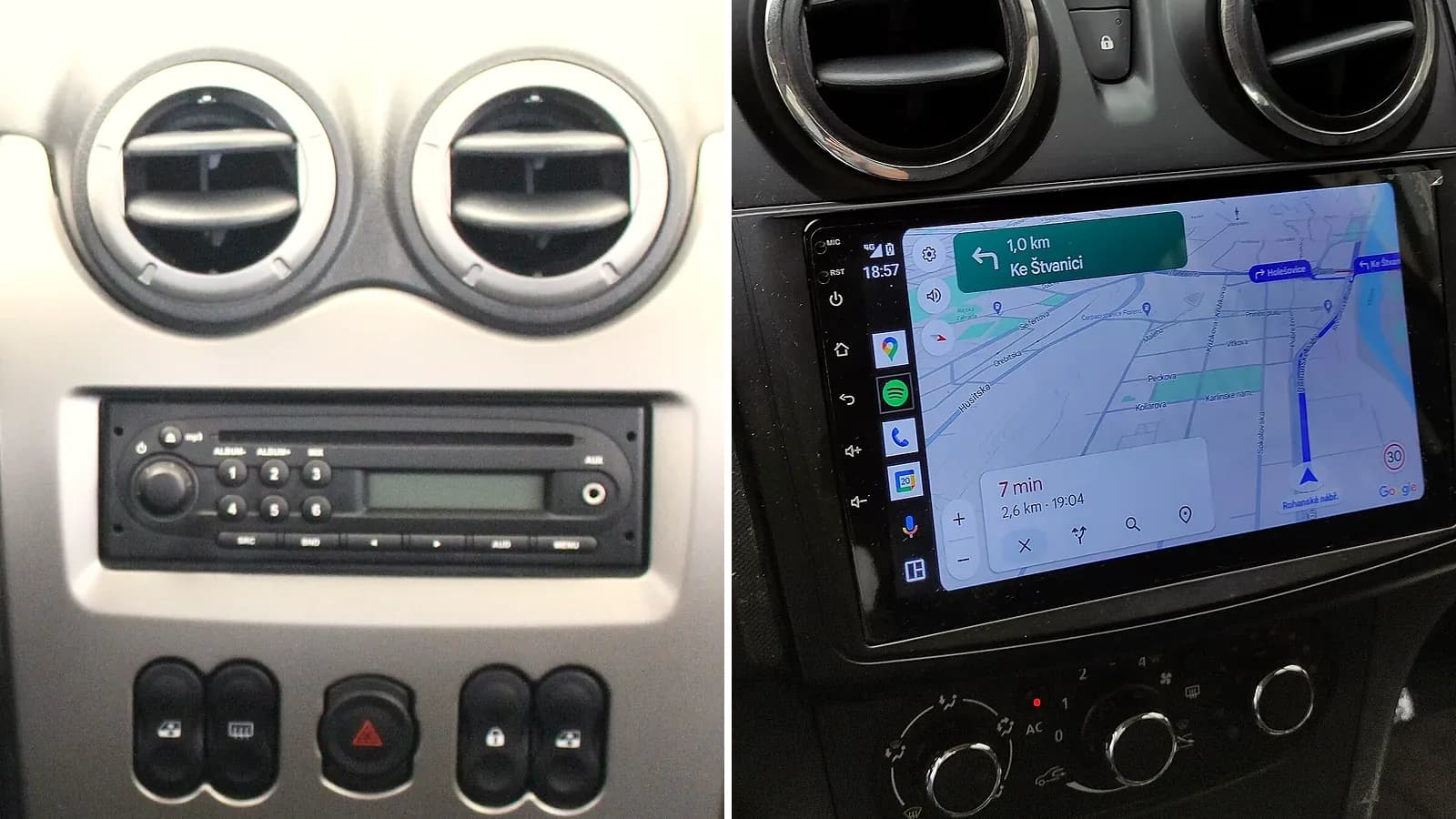
Two dashboards of the same car make: on the left the factory radio with a small display and buttons, on the right a fitted touch screen with a map in place of the radio

What multimedia does in the car

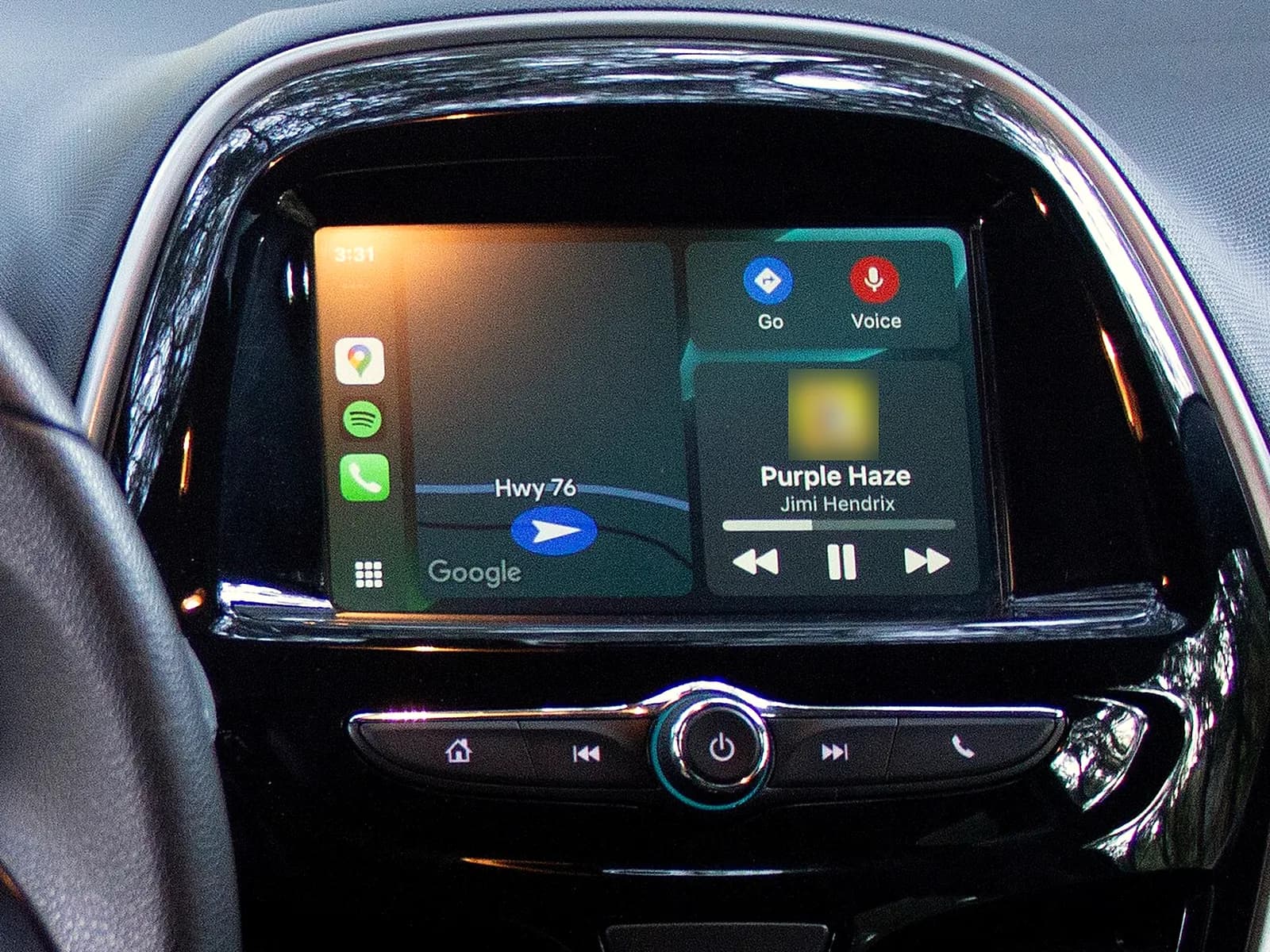
The radio still works, and on the screen you also get this:
  • CarPlay for iPhone and Android Auto for Android phones, when the unit has them: maps, music and calls from your phone on the car screen.
  • Navigation on a big screen: Google Maps or Waze through CarPlay and Android Auto.
  • Calls without the phone in your hand, through the car speakers and microphone.
  • Music from your phone, over Bluetooth or a cable.
  • The camera view as soon as you reverse, when we also fit a camera with the multimedia.

Important

  • Use maps from your phone: the navigation of cheap units is often wrong. So use the maps from your phone, through CarPlay and Android Auto.
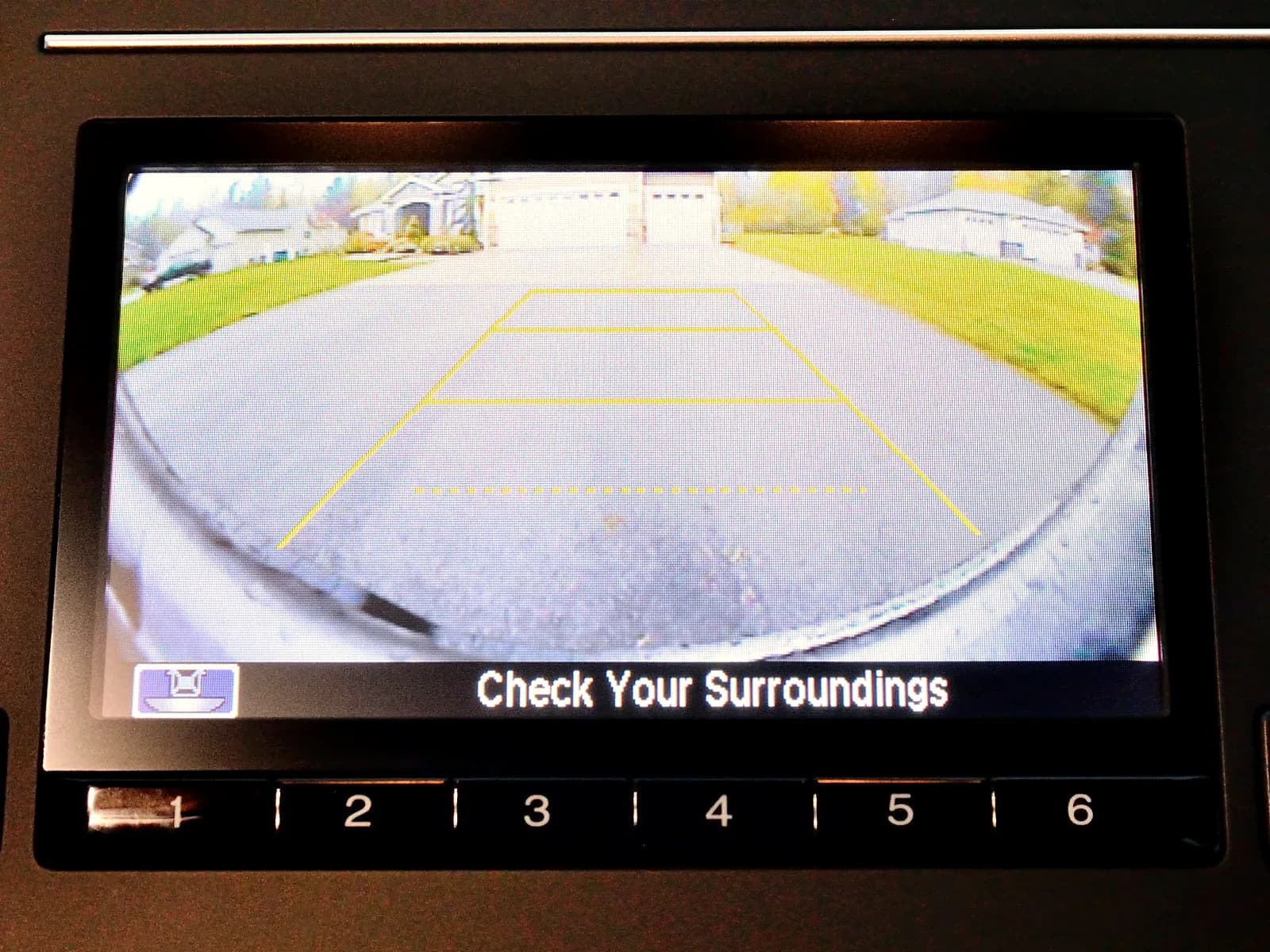
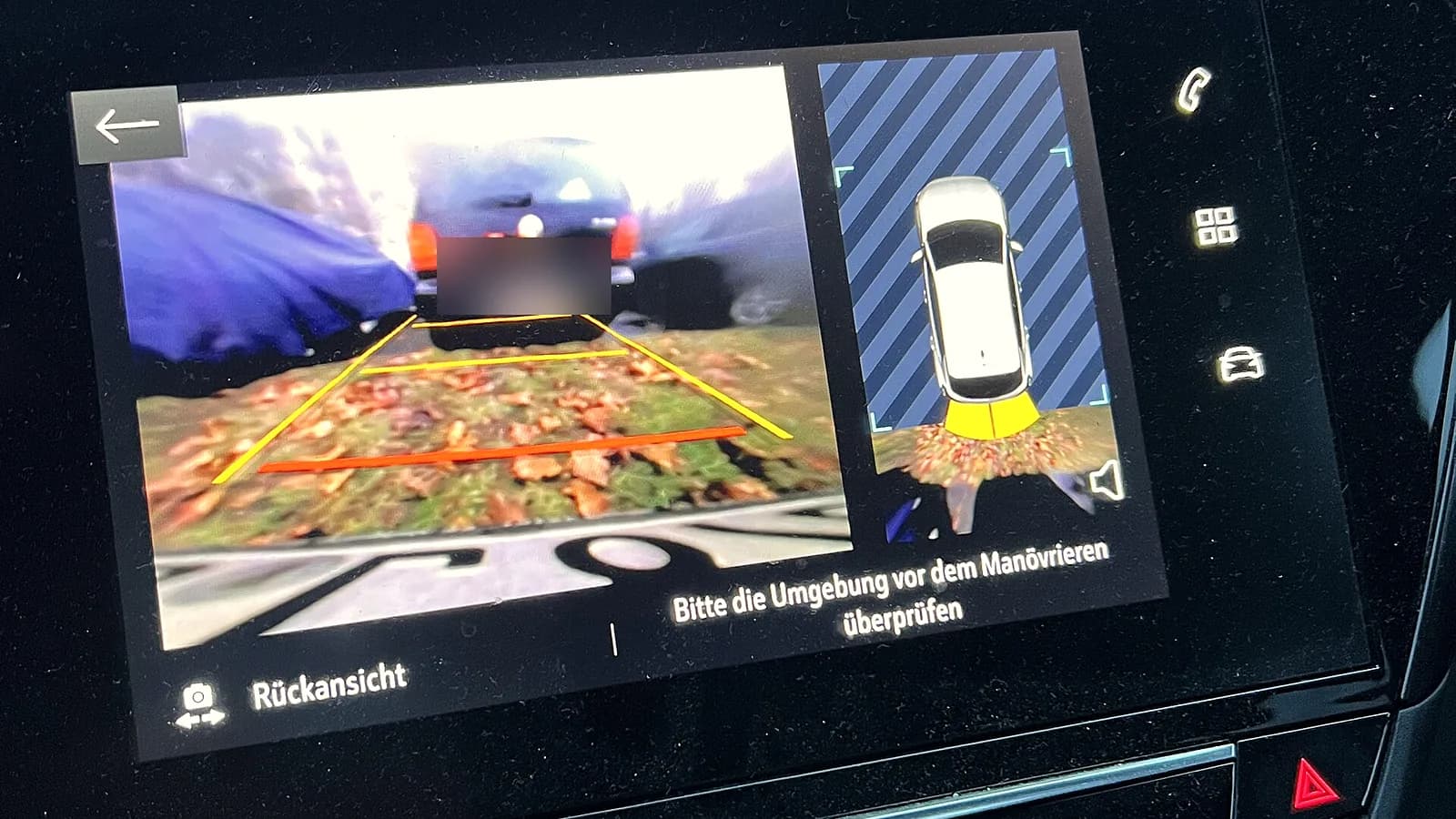
The screen in the dashboard showing the view behind the car with yellow and red parking lines, and the car from above on the right
The screen switches to the camera by itself when you reverse.

How much does multimedia fitting cost

You know in advance which parts your car needs

The price depends on the unit and the parts for your model. We tell you when you send the make, model and year, before the work.
Payment
cash or through a company

With the installation

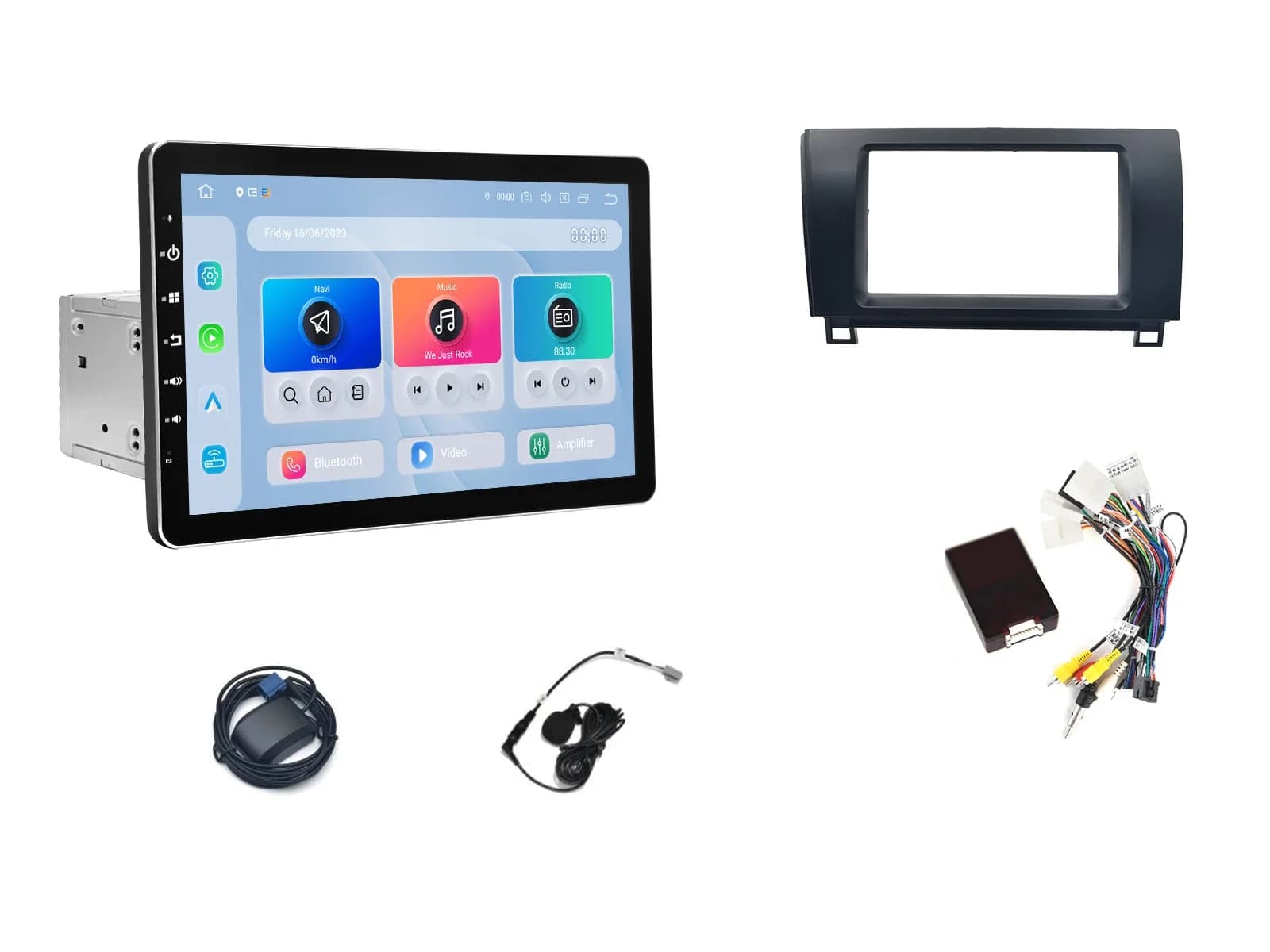
  • Fascia: a plastic frame that fits the unit into the dashboard opening.
  • A cable for your model, which plugs into the factory connector of the car.
  • An antenna adapter, so the radio works through the car antenna.
  • A part for the steering wheel controls, when the car has them. From the steering wheel you change the volume and songs and answer the phone.
  • A microphone by the driver, so the other person hears you clearly.

Important

  • Not every multimedia unit fits every car. The unit must match the opening and connector of the car. Some cars have a different factory connector, so the unit goes through an adapter for that model.
  • Factory camera, parking sensors and sound amplifier. On some cars they also work with the new multimedia. Whether yours needs a separate part, we will tell you when you send the make, model and year.
On a white background: a multimedia unit, a dashboard fascia, car cables with a steering wheel control box, an antenna and a microphone

How we fit it

  1. 1

    You send the car model

    Send us the make, model and year. If you already have the unit, also send its name. If you are not sure which radio you have, also send a photo of the radio.

  2. 2

    We tell you what goes with your car and what it costs

    Work starts only when you agree.

    We tell you which fascia and cables go with your car and whether a separate part is needed for the steering wheel controls, camera, parking sensors or factory sound amplifier. If you already have the unit, we also check whether it fits your car.

    The price depends on:

    • The fascia and cables for your model.
    • Whether a part is needed for the steering wheel controls, parking sensors or the factory sound amplifier.
    • Whether we fit a new camera or connect the factory one.
  3. 3

    We take out the old radio

    We agree the place and time by phone. We take out the old radio without damaging the dashboard.

  4. 4

    We connect the multimedia to the car

    We plug the cable for your model into the factory connector of the car, the same one the old radio was plugged into, and the adapter into the antenna cable. When the car has steering wheel controls, we put the part for them between the car and the multimedia.

  5. 5

    We fit the microphone, USB and camera

    We fit the microphone by the driver, and do not route its cable around the steering wheel and gear lever, so it does not get in the way. We bring the USB for the phone out where we agree, for example into the glovebox. When a camera goes in too, the screen switches to it by itself when you reverse.

  6. 6

    We check everything before closing up

    Before we push the multimedia into place, we check the radio, sound, steering wheel buttons, a call and the camera. Only then do we fit the fascia and close the dashboard.

  7. 7

    We set it up and show you

    We set up the unit and the steering wheel buttons, connect your phone and show you how navigation, calls and CarPlay or Android Auto work.
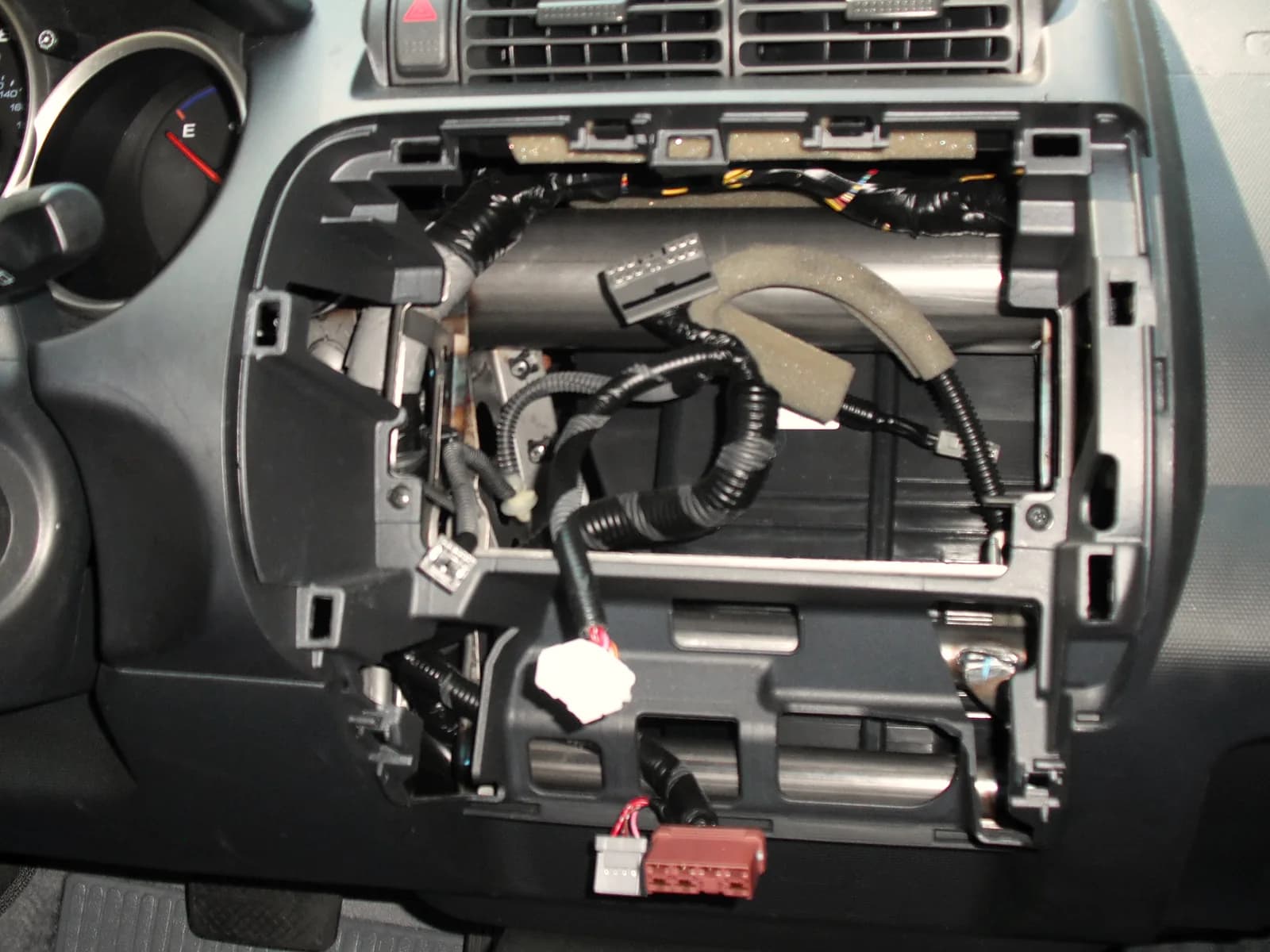
A car dashboard without the radio: cables with connectors hang from the empty opening
Before we close the dashboard, we check everything.

Model-specific or universal multimedia

Model-specific multimedia is made for a particular car model. It has a frame of the same shape as the factory radio, so it fits in its place in the dashboard.

Universal multimedia goes into a standard radio opening.

On some cars the factory opening is not a standard size, so we adapt it with a fascia for that model. Which multimedia fits your car, we will tell you when you send the make, model and year, so you do not have to measure the opening yourself.
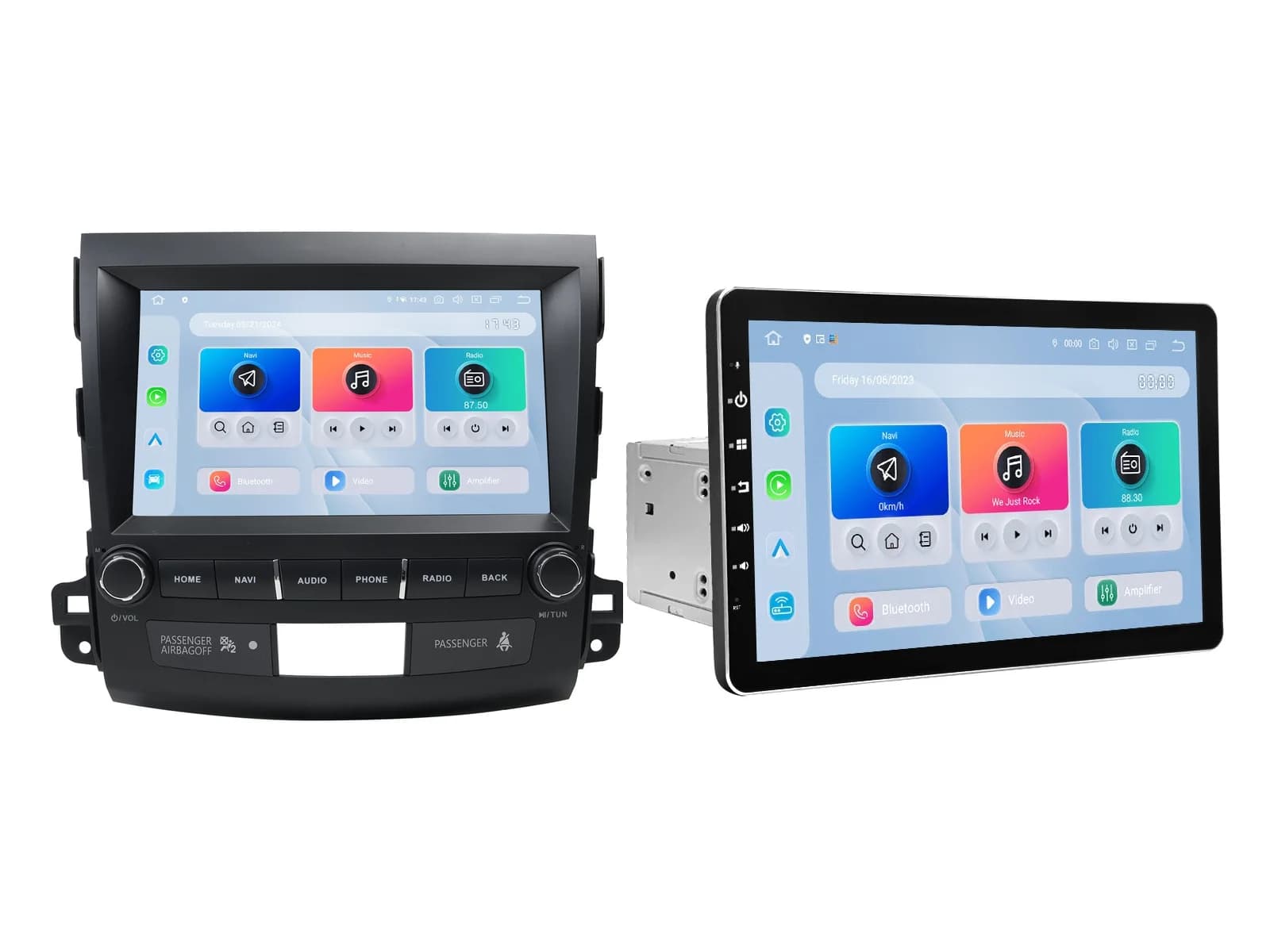
On the left a model-specific unit with a frame shaped like the dashboard, on the right a universal unit with a 2 DIN metal housing
A model-specific unit has the shape of the factory radio, a universal one goes into a standard opening.

Android multimedia

Android multimedia runs on the Android system, like a phone. You install apps on it from the store, for maps and music.

It gets the internet through your phone. On the phone switch on internet sharing, “Hotspot” or “Mobile hotspot”, and the multimedia connects to it over Wi-Fi. When the unit has CarPlay and Android Auto, you also use maps and music straight from the phone.

After installation

  • On a longer trip plug the phone into the cable so it charges. Android Auto drains the phone battery quickly.
  • The law forbids the driver from doing things that distract them while driving, such as watching videos.
  • If something does not work properly, message us on WhatsApp.

Updated 27 October 2026.

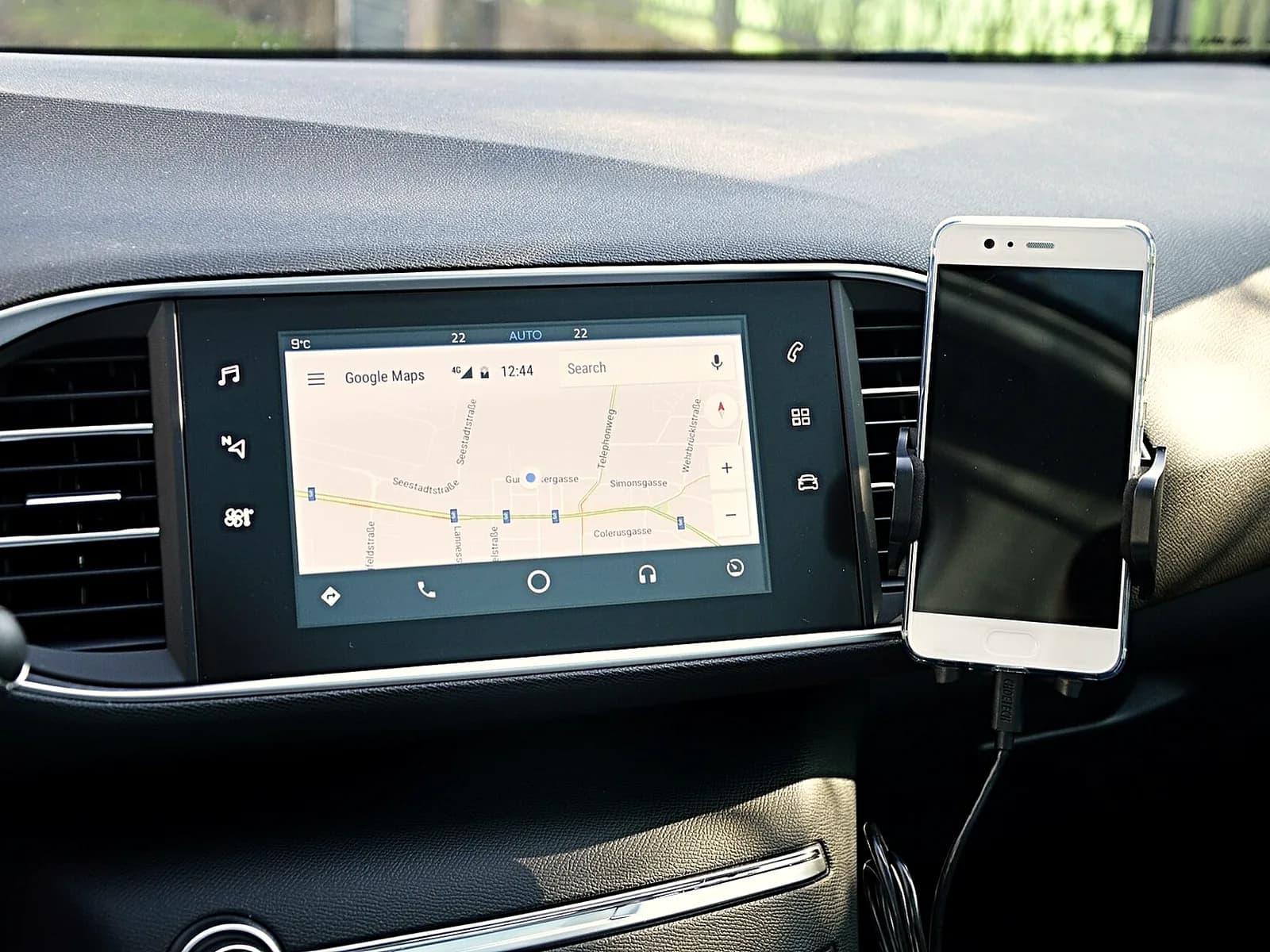
A phone in a holder on the vent, right next to the switched-on screen with a map
The multimedia gets the internet through your phone.

Questions

How much does multimedia installation cost?
The price depends on the unit and the parts for your model. We tell you the price when you send the make, model and year, before the work.
Can I bring a unit I bought myself?
Yes. Send us the car model and the name of the unit. Before the appointment we check whether it fits your car and what else is needed to fit it.
Do CarPlay and Android Auto work?
Yes, if the unit has them. When you send the name of the unit, we tell you whether it has both and whether it works by cable or wirelessly.
Can the factory camera stay?
On some cars it can, sometimes with a separate part between the camera and the multimedia. We will tell you when you send the make, model and year.
What is a cigarette lighter multimedia unit?
It is a portable screen without installation. It gets power from the cigarette lighter socket, sends sound over Bluetooth or a cable into the AUX input of the car, and sits on the dashboard or the windscreen. A fitted multimedia unit sits in place of the radio and works with the steering wheel controls.

Related services

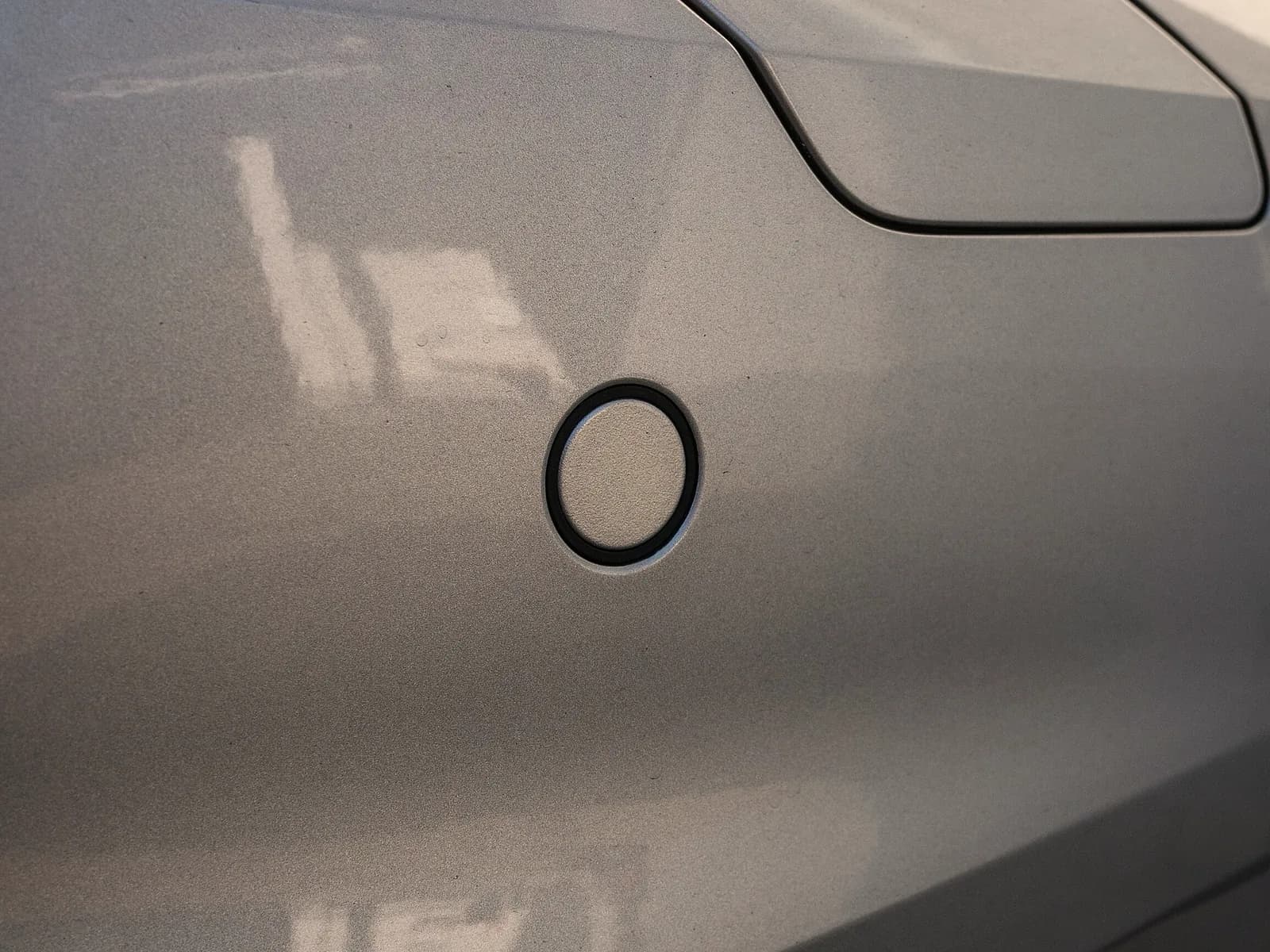
A parking sensor fitted in a car bumper

Parking sensors

Sensors in the bumper that warn you with sound how close you are to an obstacle.

More about the sensors
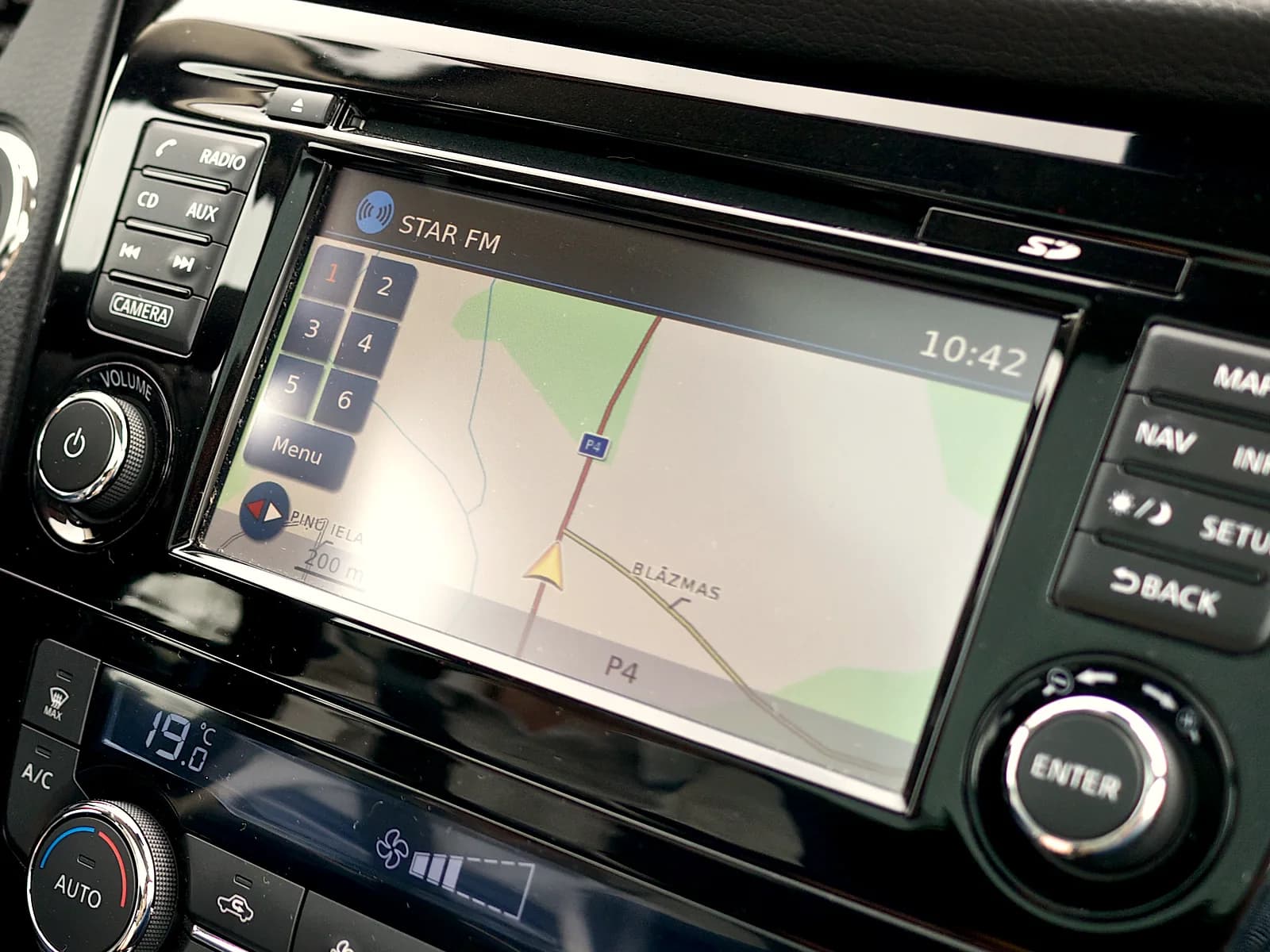
Factory navigation with a map on the car screen

Map updates

A new map of Europe, with Serbia, on your factory navigation.

More about maps