Your map is older than the last one
We install the last map released for your navigation.
Not sure what the service is called? Send the make, model, year and what is happening: Message us on WhatsApp
 Theft protection
 Faults and diagnostics
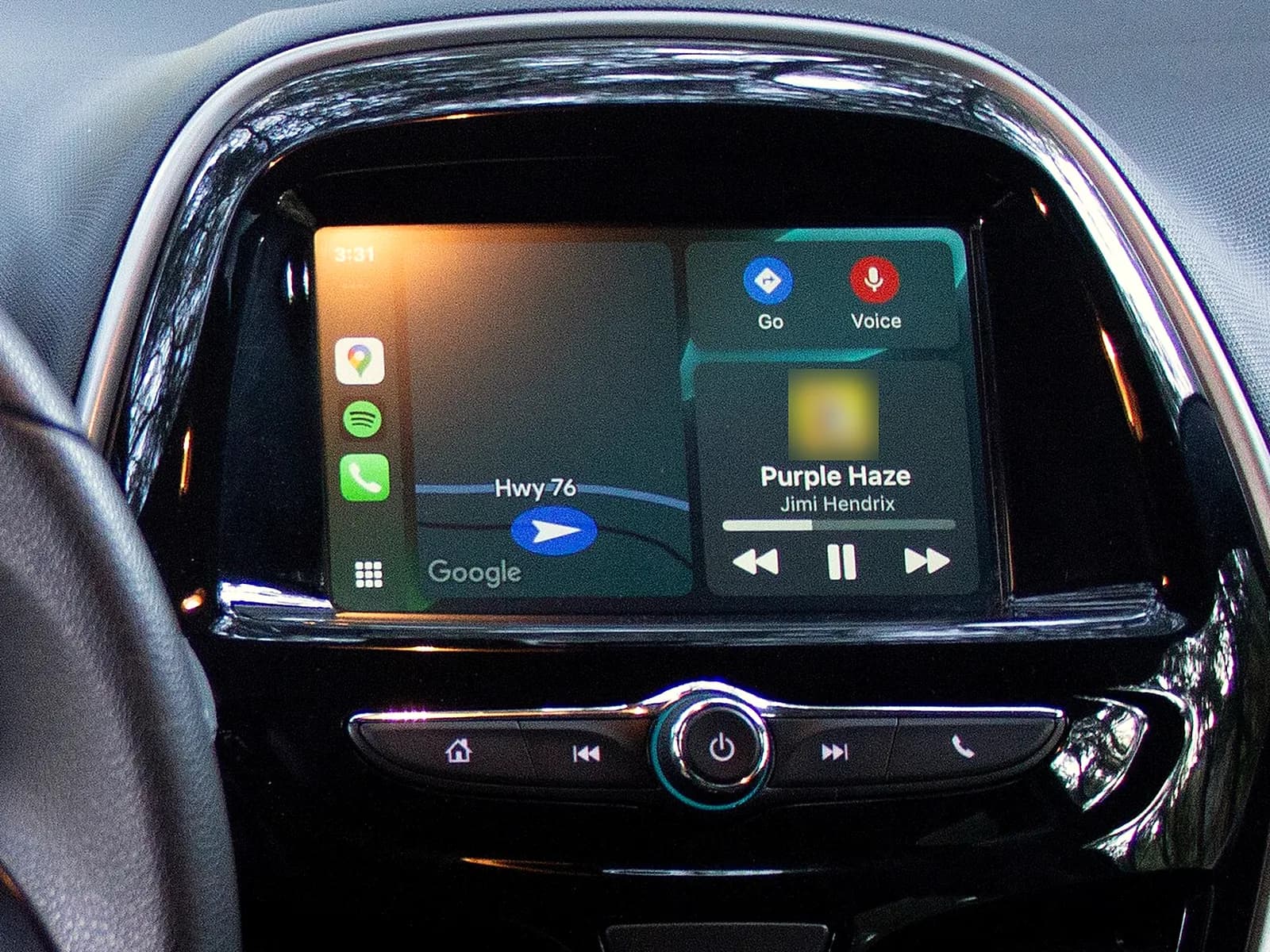 Electronics and accessories
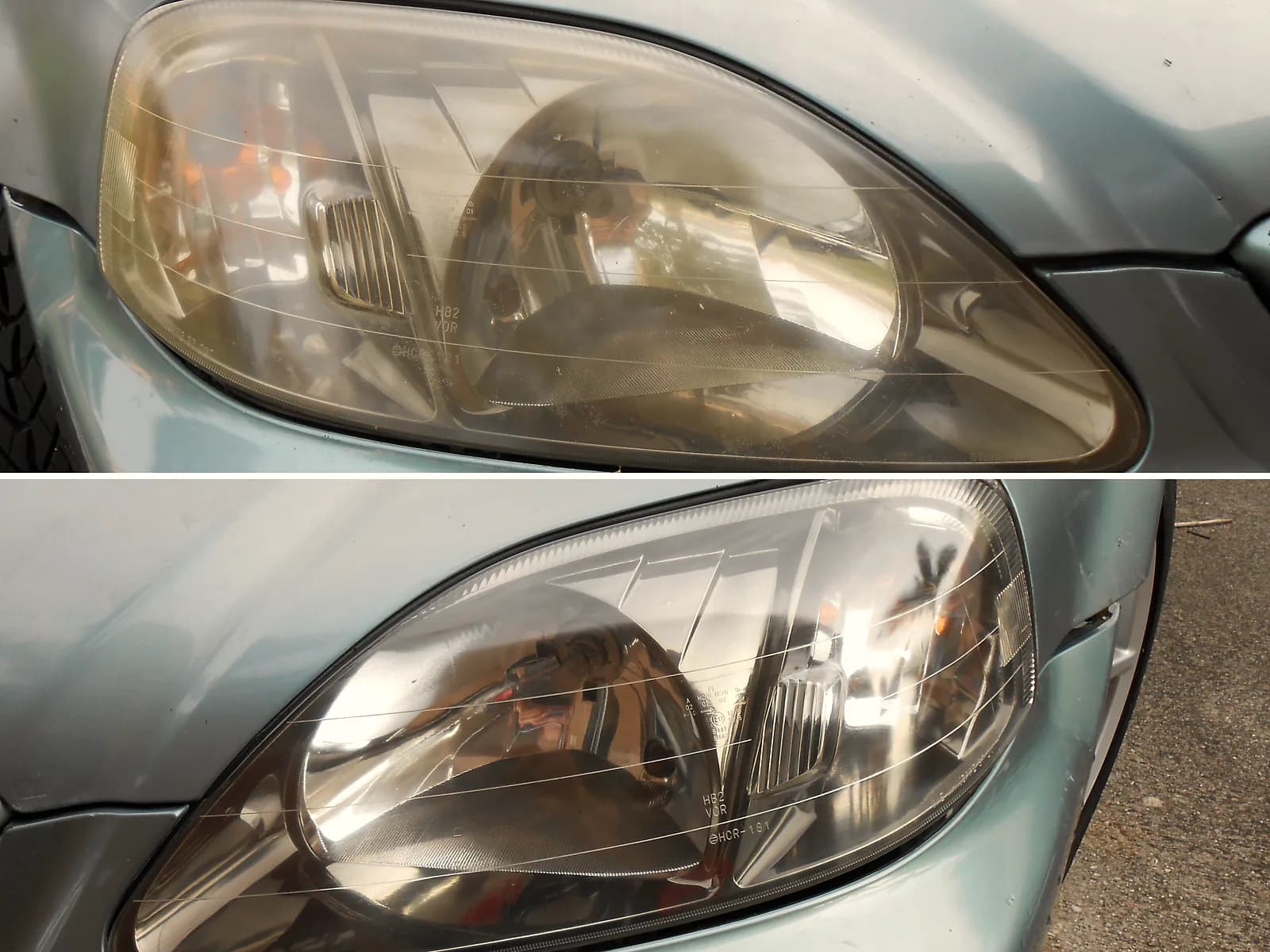 Maintenance and care
 Tyres
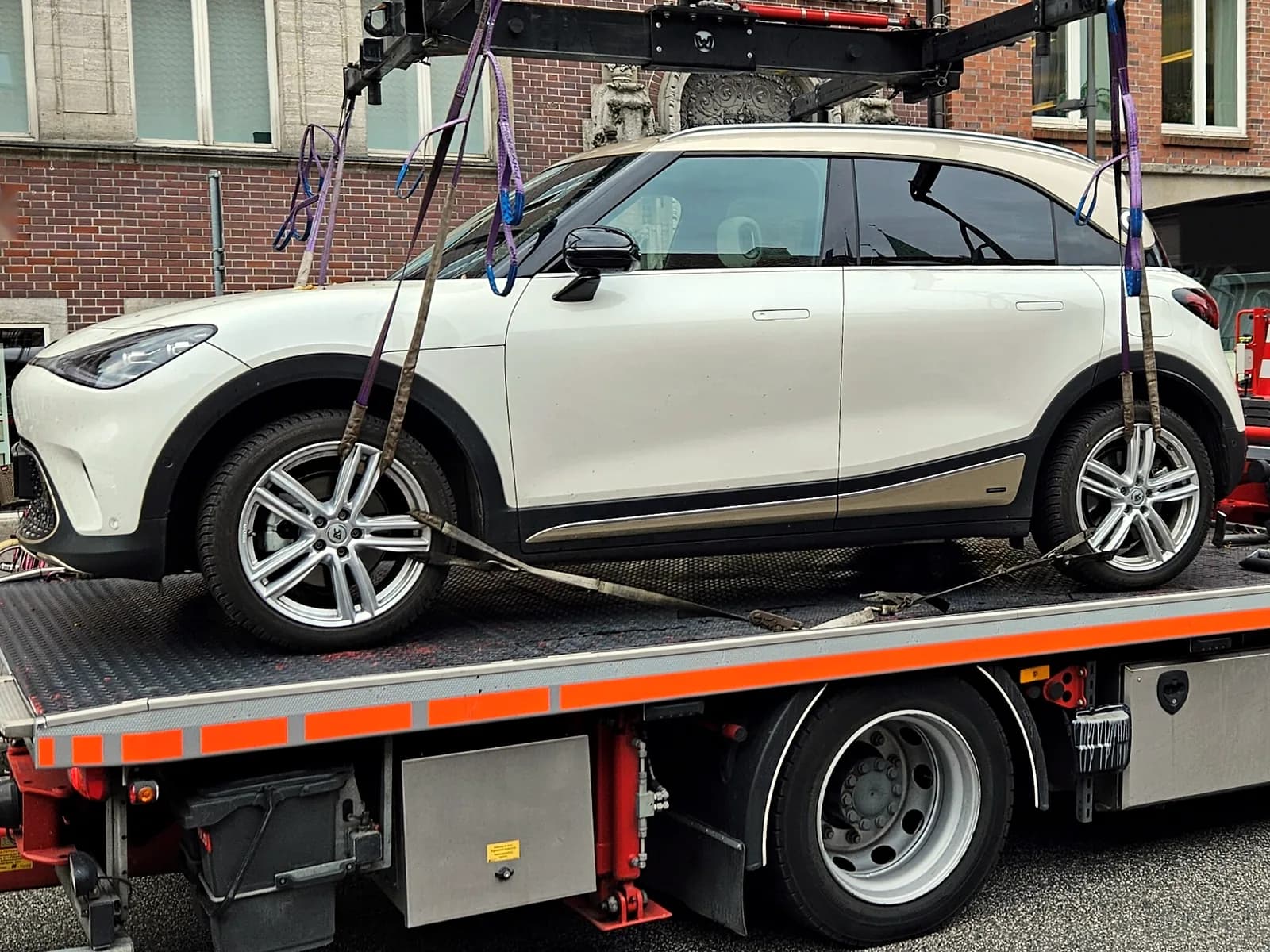 Inspection, registration and towing
Can't find the service? Call 067 774 1606 or message us on WhatsApp.
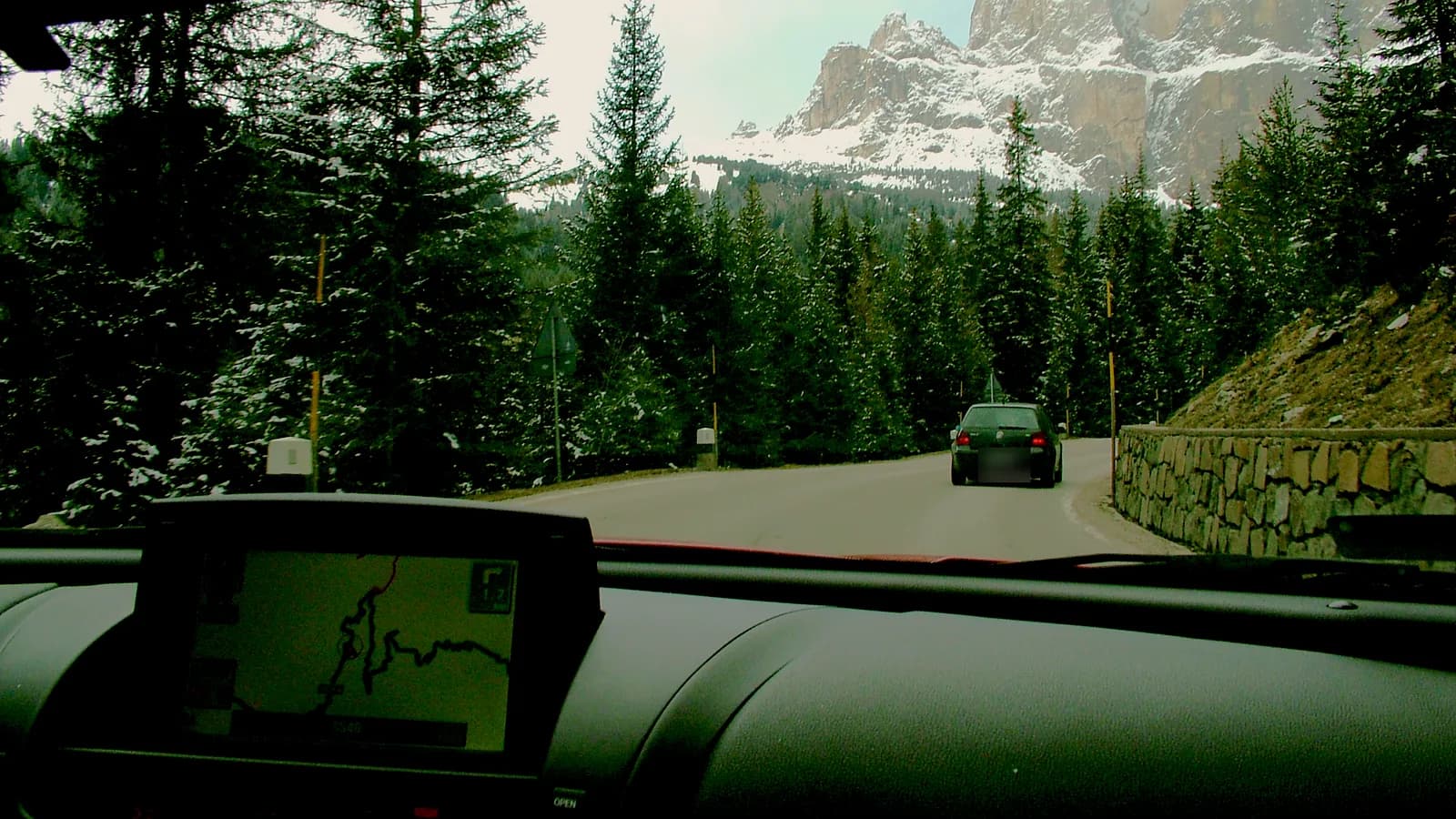
Your navigation does not know a new road or street? We install the latest map that exists for your factory navigation.
Send us the make, model and year, and a photo of the screen if you are not sure which navigation you have.
We work in several cities in Serbia. Tell us your city.
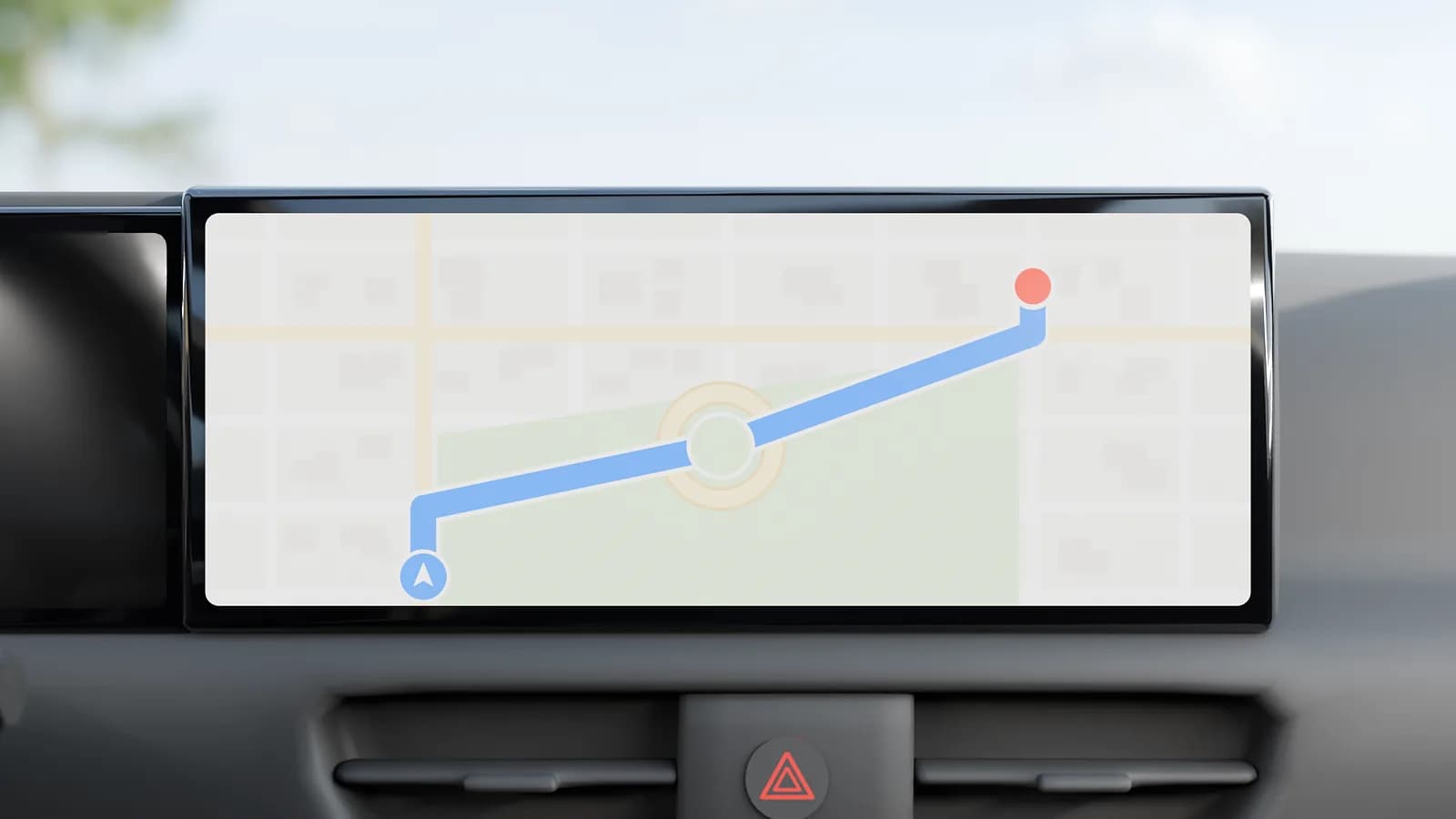 Old mapNew map
 It sends you around, though a new road exists A new map adds roads, bypasses, roundabouts and motorway exits.
 It cannot find a new street or house number New map versions add streets and house numbers, in Serbia too.
 It sends you into a one-way street or a banned turn Roads close and change direction, and the old map does not know it.
 The speed limit on the screen is wrong Speed limits change and come with the new map.It cannot find a new petrol station or car park A new map also brings new places: petrol stations, car parks and hospitals.
For the map and the price, send us the make, model and year.
You do not replace the navigation, only the map: you get a new map of Europe, with Serbia.
What the price depends on
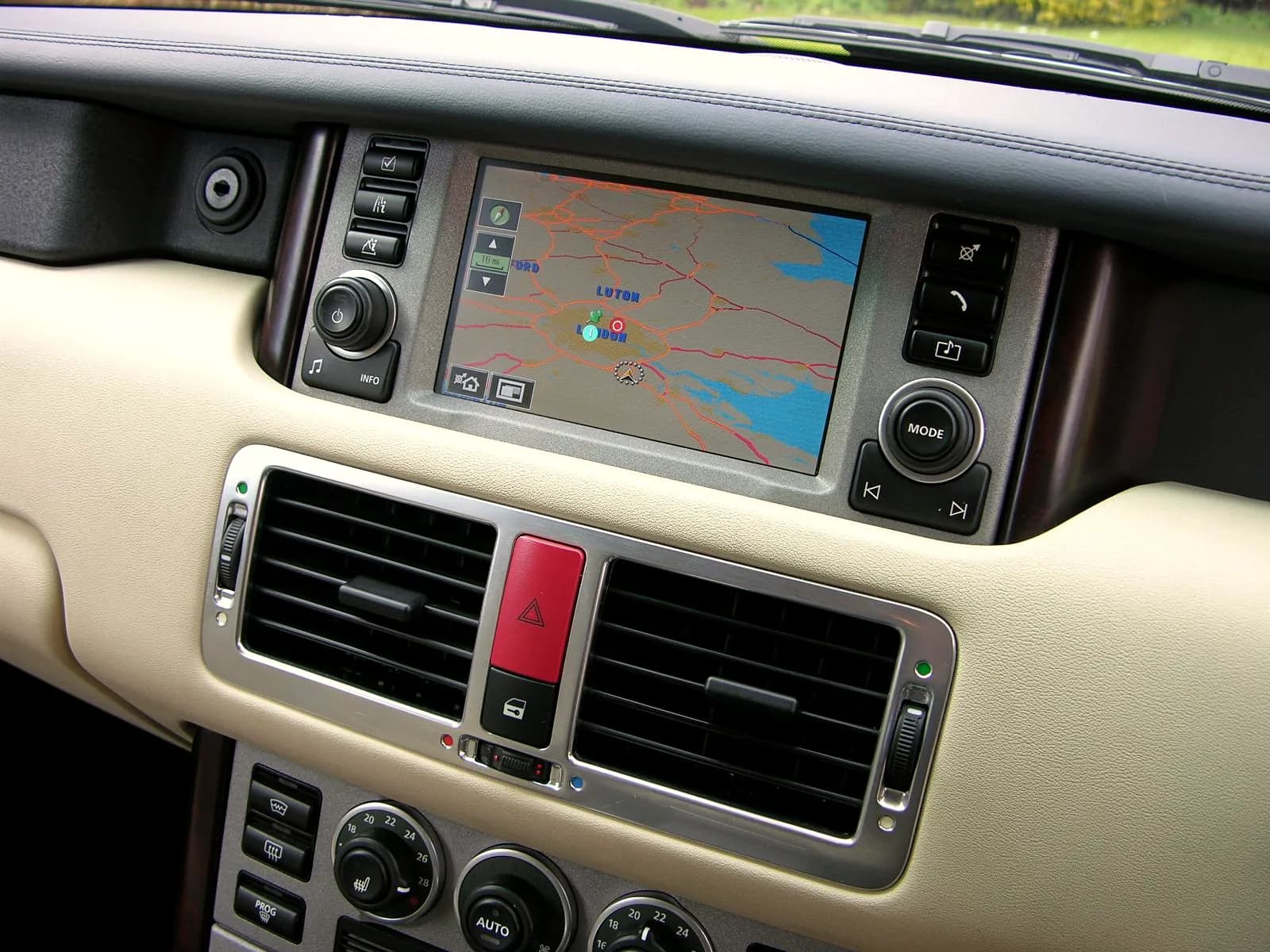
The same model can have different navigation systems. So we first check which map fits yours.
Send us the make, model and year. If you are not sure which navigation you have, also send a photo of the screen.
We ask for the chassis number from the registration certificate. With it we check whether a newer map exists for your navigation. We tell you which map exists and what it costs, before the work.
Work starts only when you agree.
We agree the place and time by phone. We install the new map, and when needed new software and the activation code.
When the navigation reports that it is done, we check the new map version, that the navigation finds the satellites and that it guides to an address.
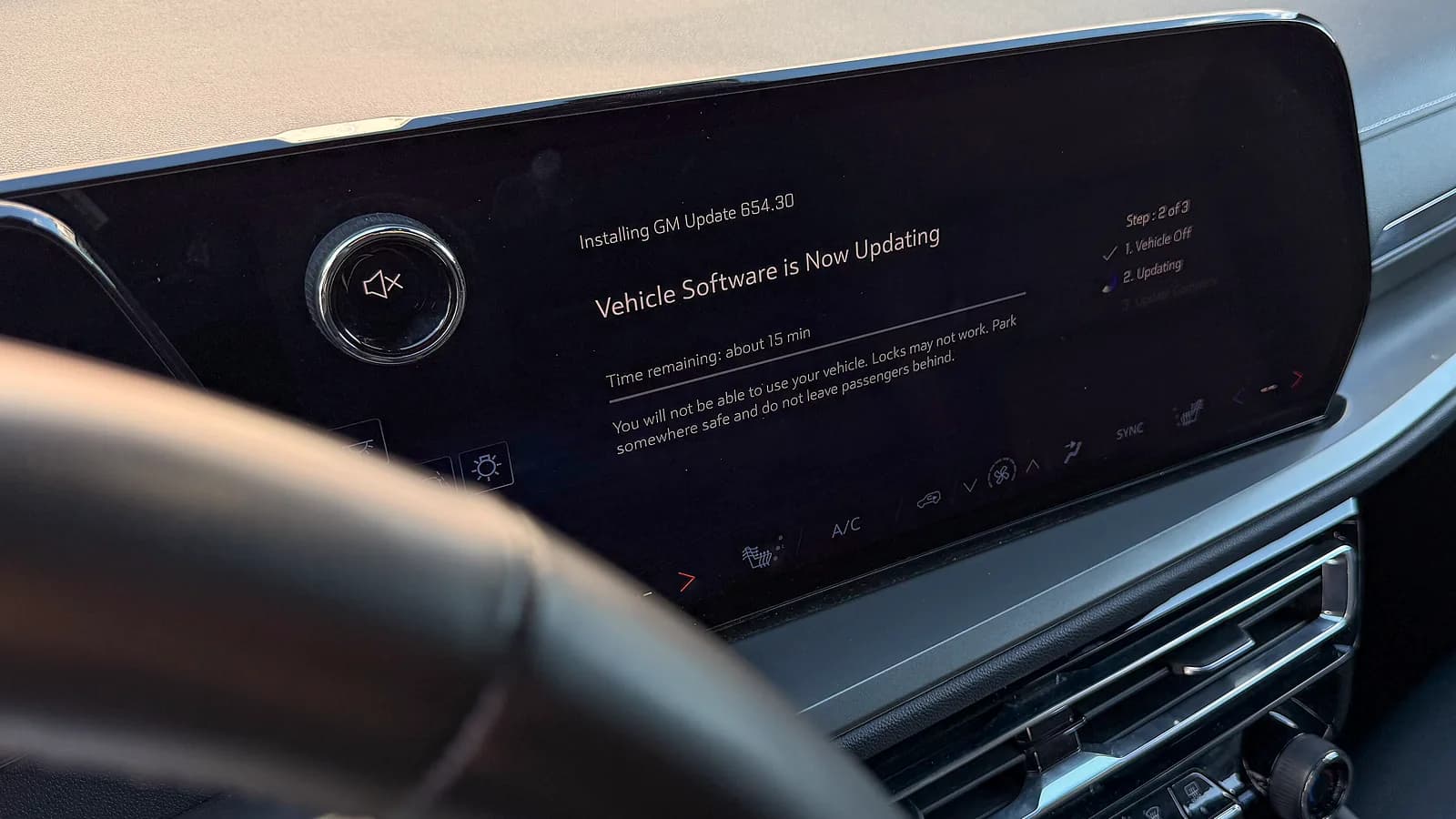
Then we tell you before the work. For an old navigation the manufacturer eventually stops making maps. Then you have three choices:
We install the last map released for your navigation.
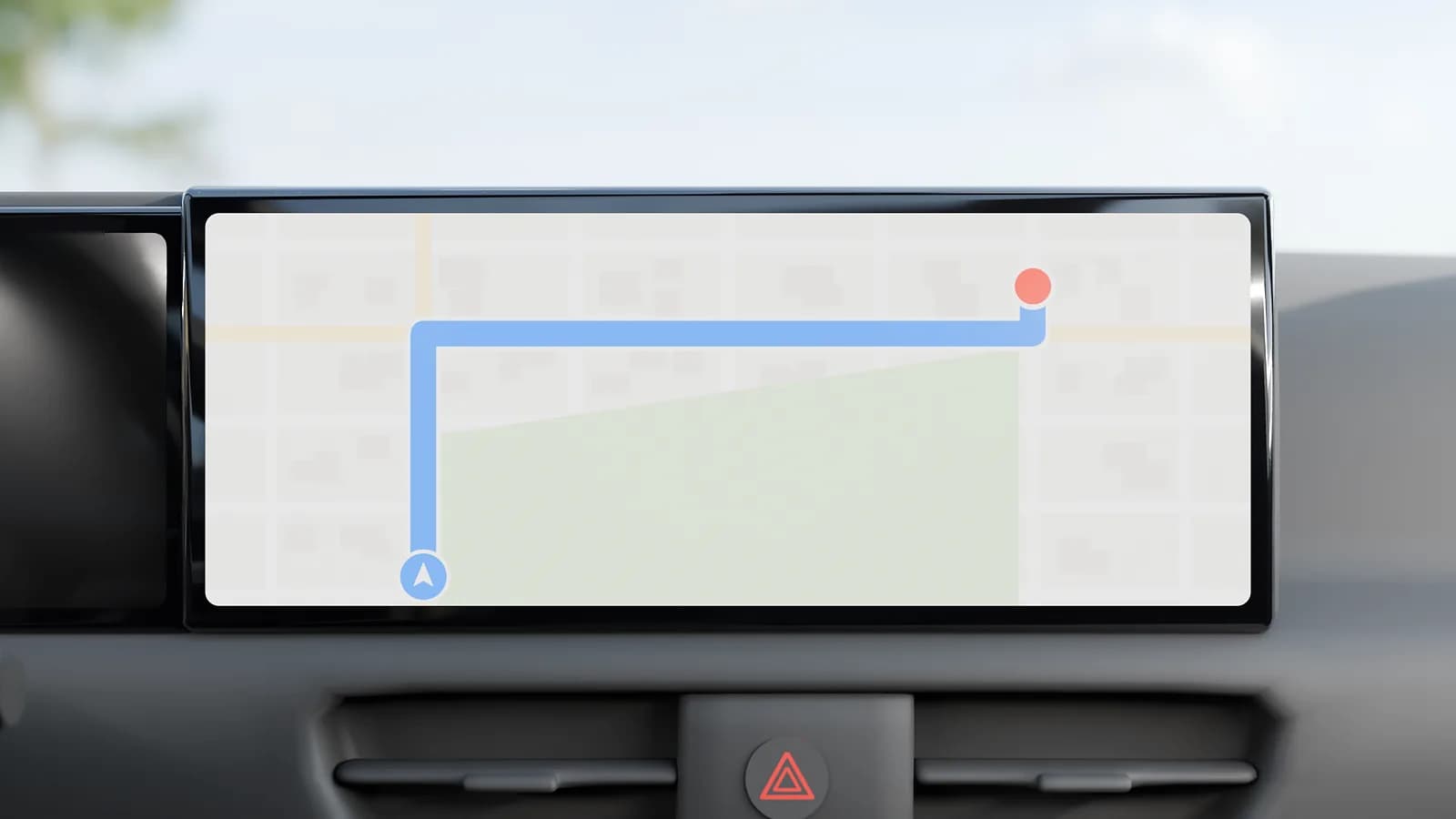
We switch it on by activation, without new multimedia. Then you use the maps from your phone on the car screen. CarPlay is for iPhone, and Android Auto for Android phones.
More about CarPlay activation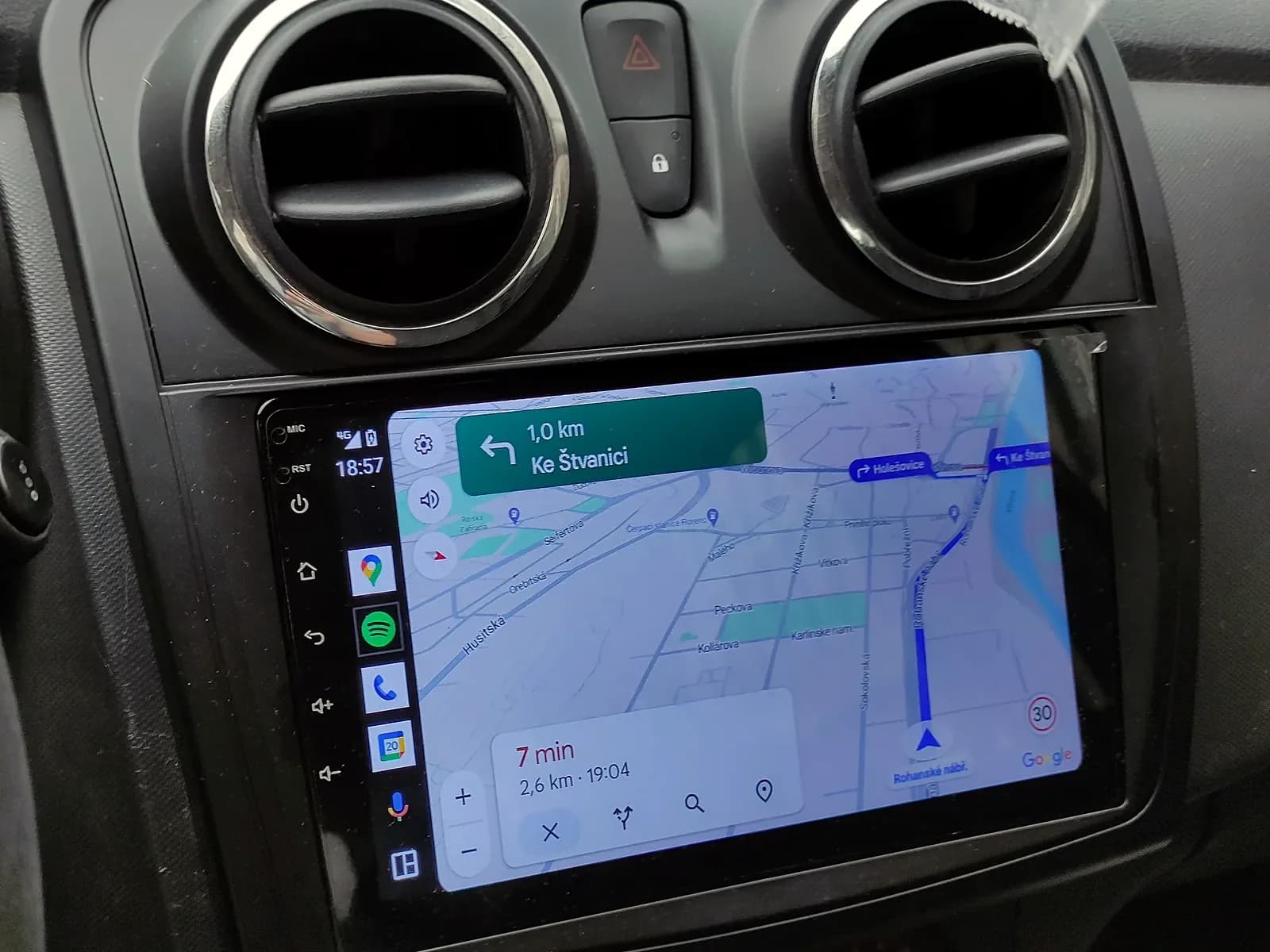
We fit multimedia: a touch screen with CarPlay and Android Auto instead of the old radio.
More about multimedia installationWhich of these works on your car, we will tell you when you send the make, model and year.
A new map does not always fit an older navigation of the same make. The wrong map or software can break the navigation. So we first check which navigation you have.
Factory navigation works without the internet, because the map is in the car. Phone maps on the car screen use the internet from the phone. More about choosing car navigation
Updated 27 October 2026.