The car has no screen: phone, GPS device or head unit
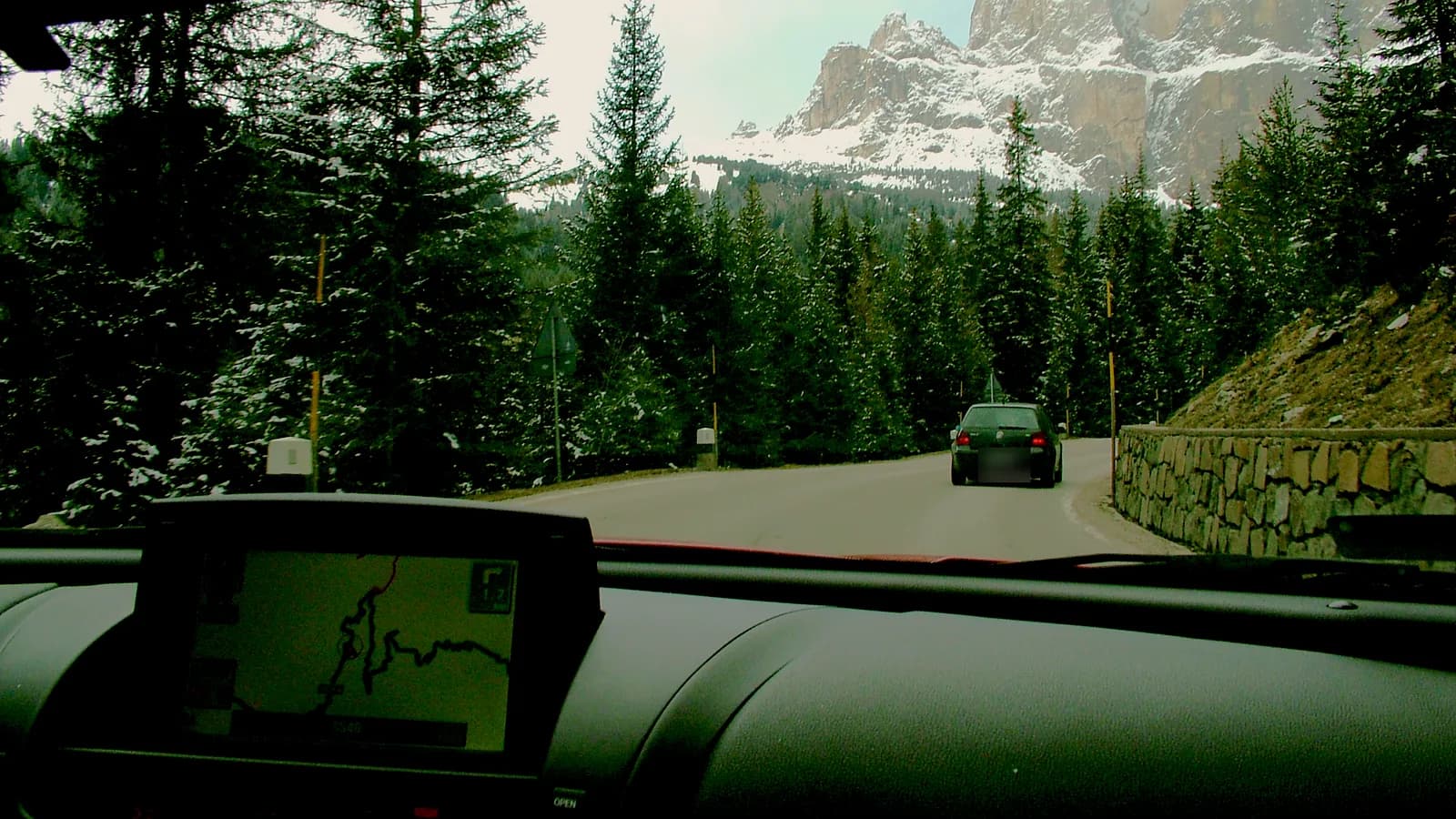
When the car has only a radio, navigation goes on the phone, on a separate GPS device or on a new head unit with a screen. They differ in screen size, in whether they work without internet and in what sits on the windscreen and dashboard while you drive.
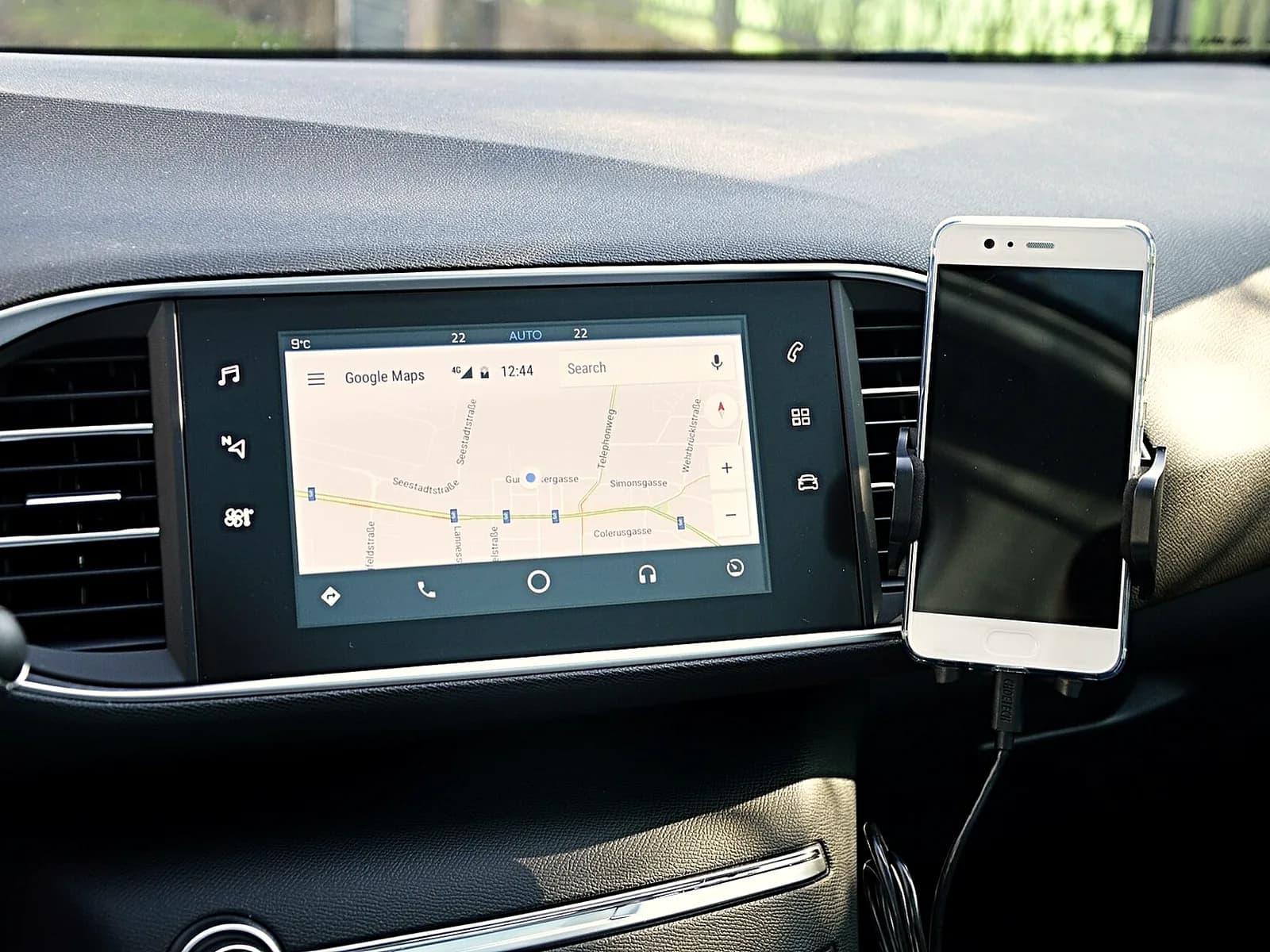 A phone on a holderGoogle Maps or Waze on the phone you have. The screen is small, maps use mobile data, and in the sun the phone heats up.
- A GPS device on the windscreenA separate device with the map inside, so it guides you without a phone and internet. It sits on a holder on the windscreen and gets power by cable from the socket in the car.
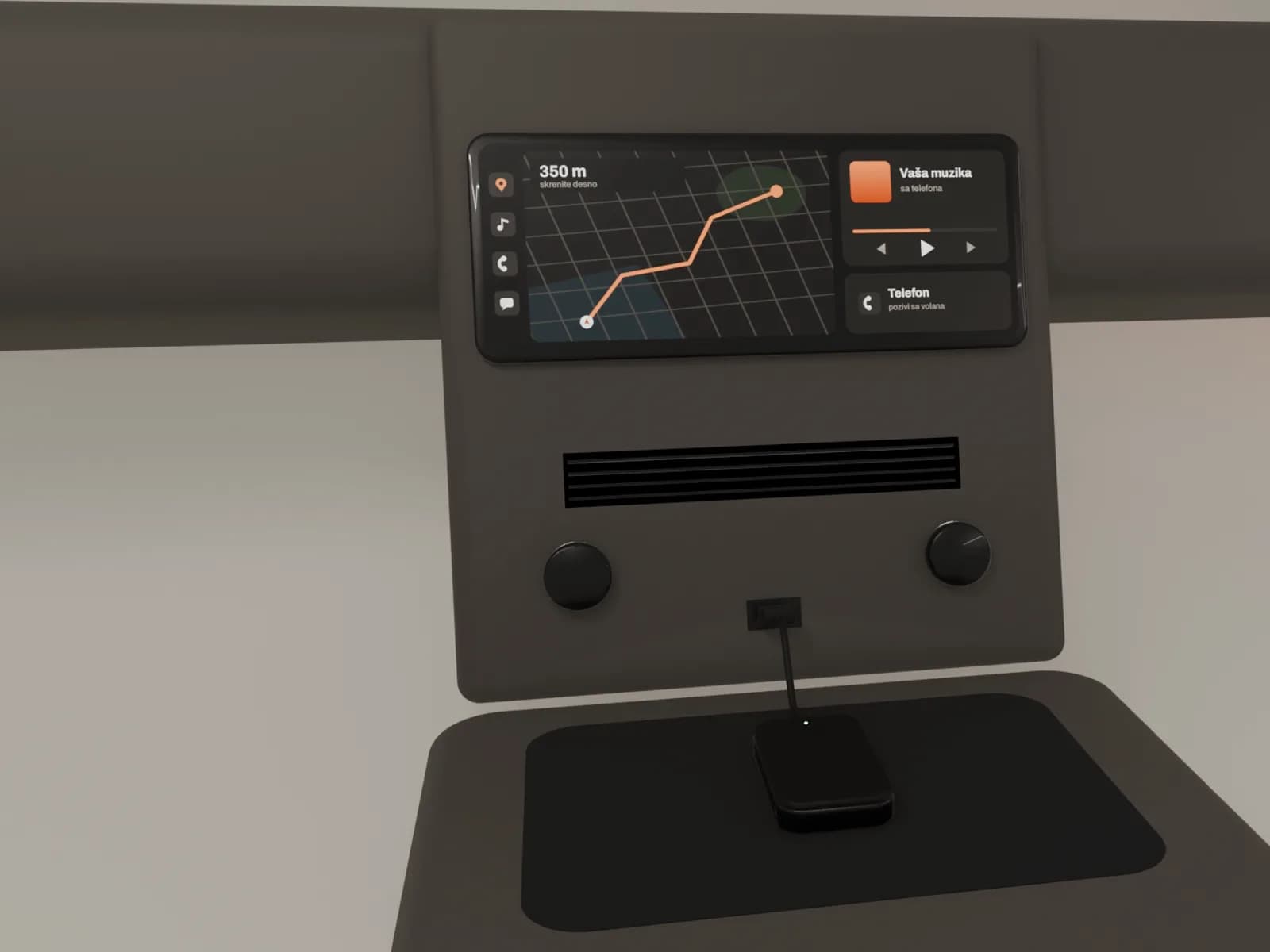
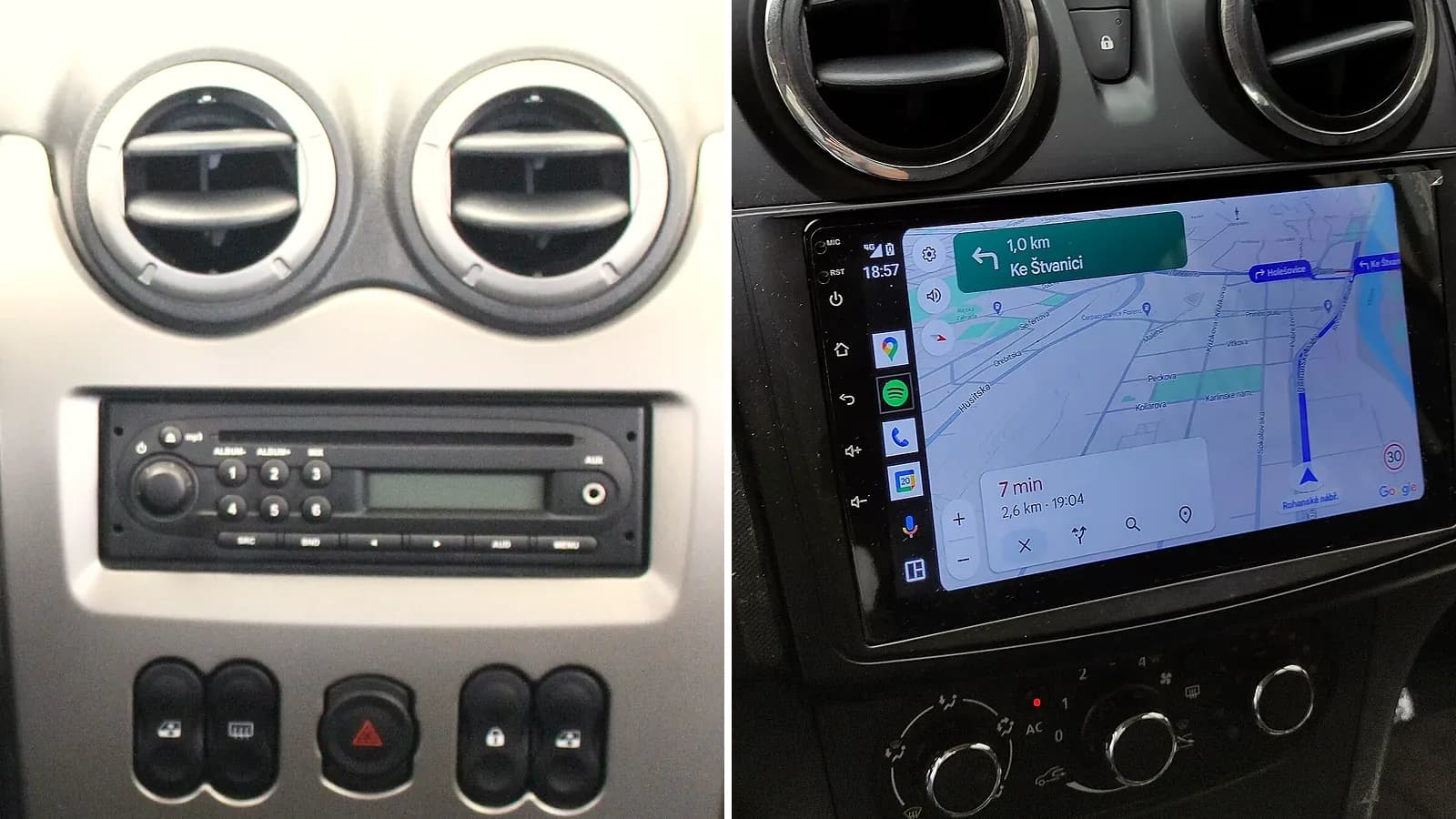 A new head unit in place of the radioA touch screen in place of the old radio, with CarPlay and Android Auto. The map from the phone is on a big screen, the directions come through the car speakers, and there is no holder or cable on the windscreen.
Navigation on the screen of a new head unit
We fit the head unit in place of the factory radio. You connect the phone by cable, and wirelessly on units that support it. Google Maps or Waze then open on the car screen.
You type the address while the car is parked. While driving, you say the destination: hold the voice command button on the steering wheel, then say where you are going. With an Android phone you can also say "OK Google". You don't hold the phone in your hand.
When the factory radio comes out, the steering wheel buttons stop working. A separate part for your model brings them back, so you still change the volume and answer the phone from the wheel.
A head unit with Android also has its own maps apps, and it gets internet through your phone. On cheaper units the built-in navigation can be weak, so you run maps from the phone, through CarPlay or Android Auto.
The car has a screen: CarPlay or Android Auto
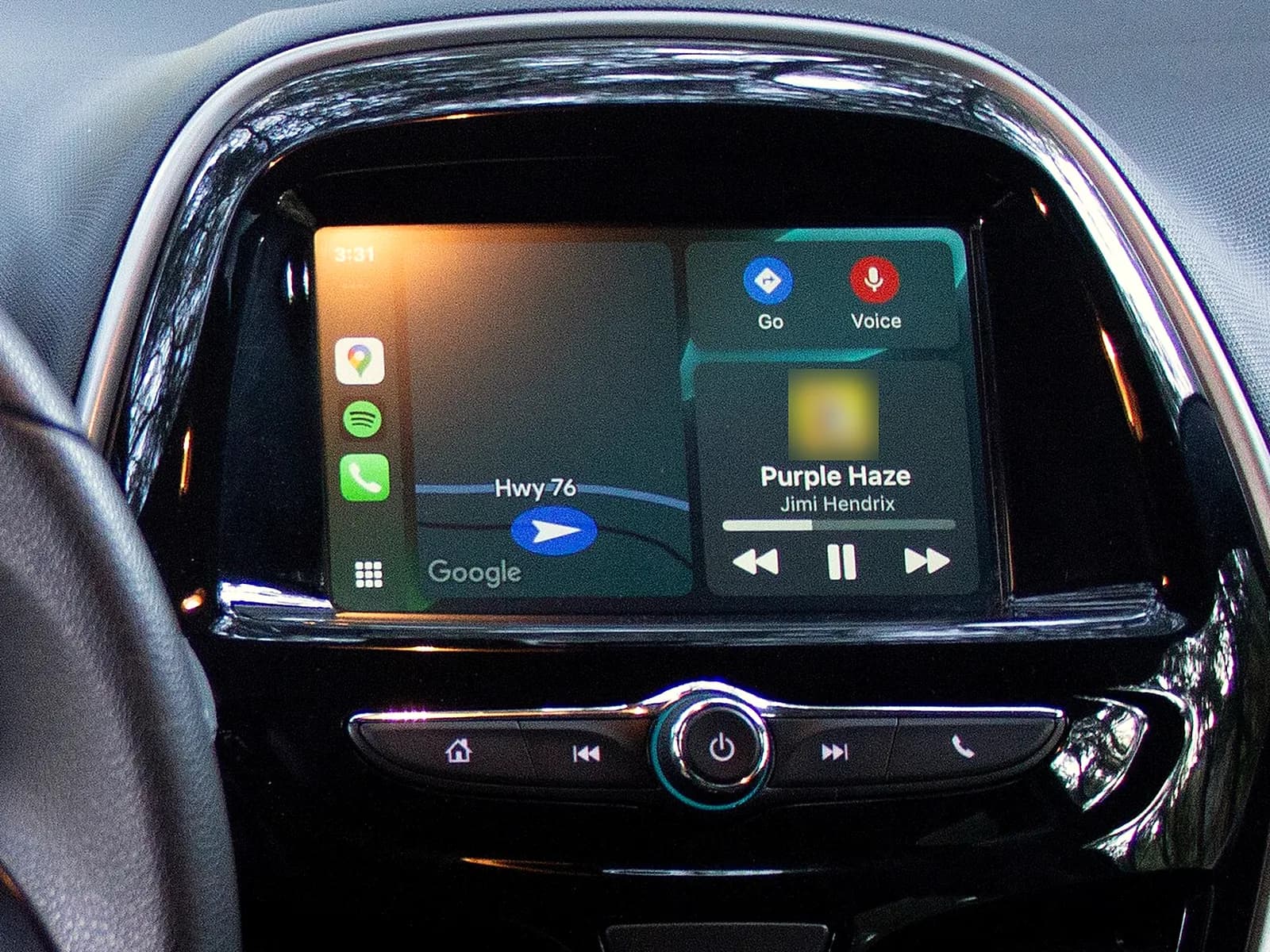
When the car screen has CarPlay or Android Auto, navigation is already there. You connect the phone to the car, so the map from the phone is on the big screen, and the directions come through the car speakers. Google Maps and Waze work on the screen, and with an iPhone Apple Maps too.
On some factory screens CarPlay is there but locked, so it is switched on by activation, without a new device. More about CarPlay activation
A screen without CarPlay built in cannot get it by activation. More about CarPlay for a car without it
The car has factory navigation: an old map sends you the long way
If the map is old, factory navigation doesn't know new roads and sends you the long way round. Roads change: new roads, roundabouts and bypasses are built, and some streets close or change direction.
A new map brings new roads, motorway exits, street names and changes to speed limits. The map of Europe covers Serbia too.
The map has to match the navigation in your car. The same model has different navigation systems depending on the year and equipment. More about navigation updates
Car navigation without internet
Factory navigation and a GPS device work without internet, because the map is inside them.
Without internet: depends on the navigation
- Factory navigation and a GPS device: they work, because the map is inside them.
- Google Maps: only on a map you download in advance while you have internet, and then without traffic. A downloaded map expires, so renew it.
- Waze: does not work.
- CarPlay and Android Auto: they use data from the phone plan.
Navigation on the phone: the law and the heat
Under Serbia's Road Traffic Safety Act, a driver may not use a phone while driving without hands-free equipment. The fine is 10,000 dinars. The same law also forbids a driver to do things that take attention away from driving.
A phone on the windscreen sits in the sun. In the heat it can overheat, so the screen dims or switches off, and charging slows down or stops.
On the car screen none of this happens: the map is big, the phone is not on the windscreen, and you hear calls and directions through the car speakers. More about car multimedia installation
A GPS navigation device: what you should know
- The map is in the device. It guides you without a phone and without internet.
- It looks for satellites first. The first time, this can take several minutes. It finds them more easily in the open than among tall buildings and trees.
- The map gets updated. Over Wi-Fi or through a computer.
- Traffic needs a connection. It gets traffic data through an app on the phone or through a separate receiver, where that service exists.
- It doesn't like the sun. It has a lithium battery, so it should not sit in direct sunlight.
- It comes off when you leave. Put the device and the holder out of sight, so they don't attract a thief.
We build the head unit into the dashboard, so you don't take it off when you leave the car.
How much car navigation costs
The price depends on what the car already has and what we fit:
- CarPlay activation. It depends on the system in the screen and on whether the screen needs a new USB port for CarPlay.
- A new map. It depends on the navigation in the car and on whether the manufacturer charges for the map for that system.
- A new head unit. It depends on whether it is model-specific or universal, how big the screen is, which fascia and cables fit your model, whether a steering wheel control part is needed and whether we also fit a camera.