
Does an adapter work on your car
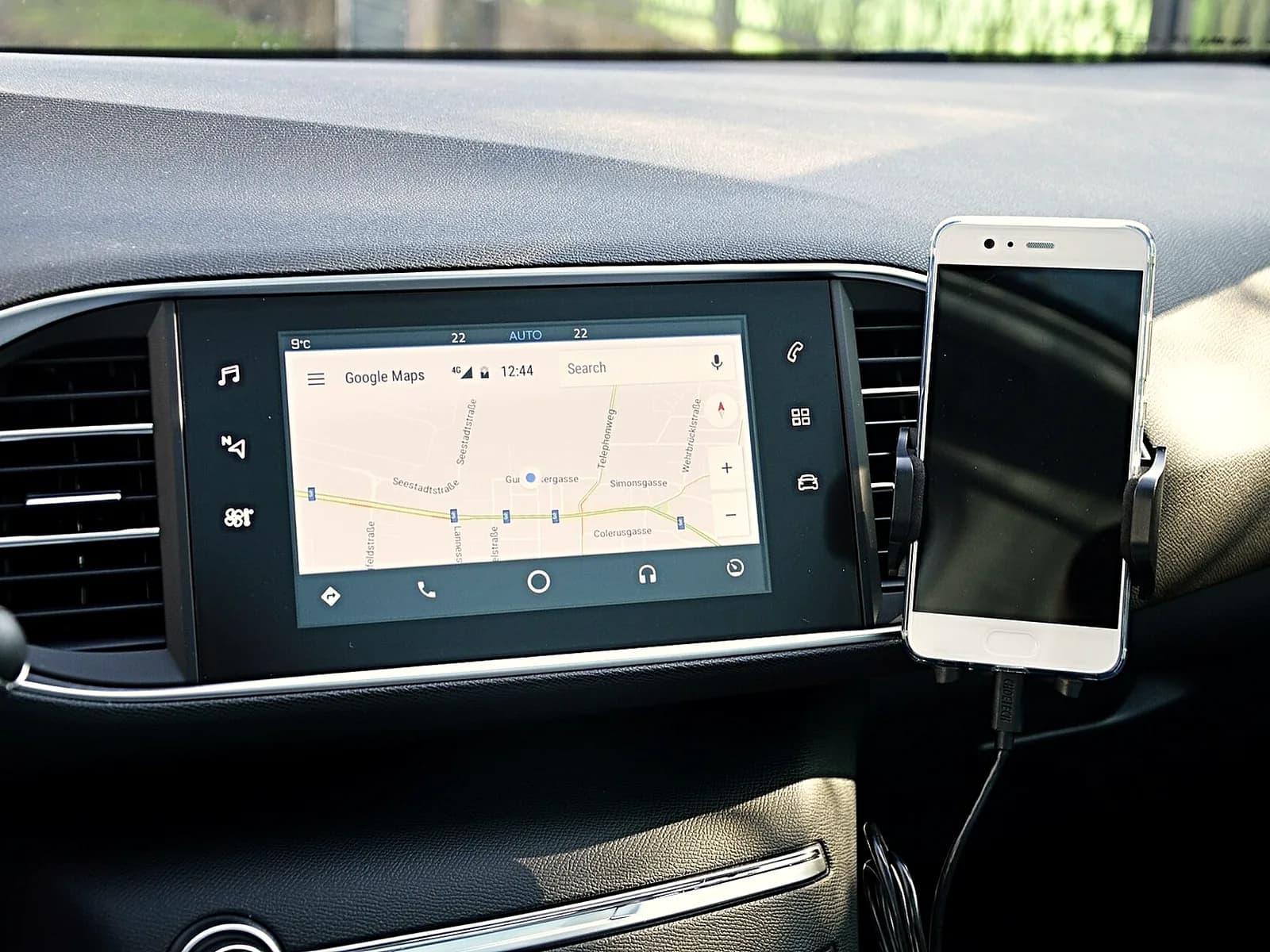
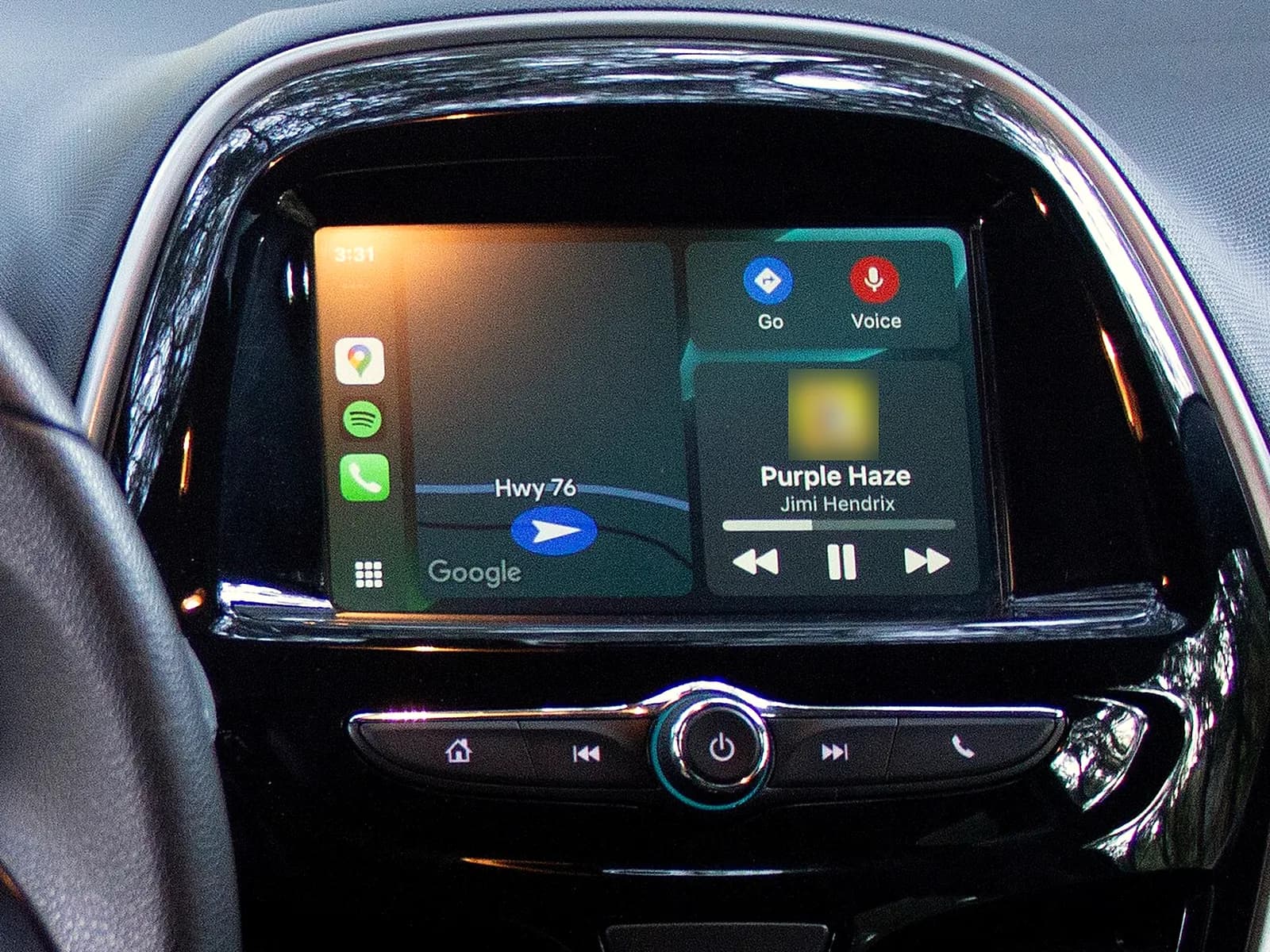
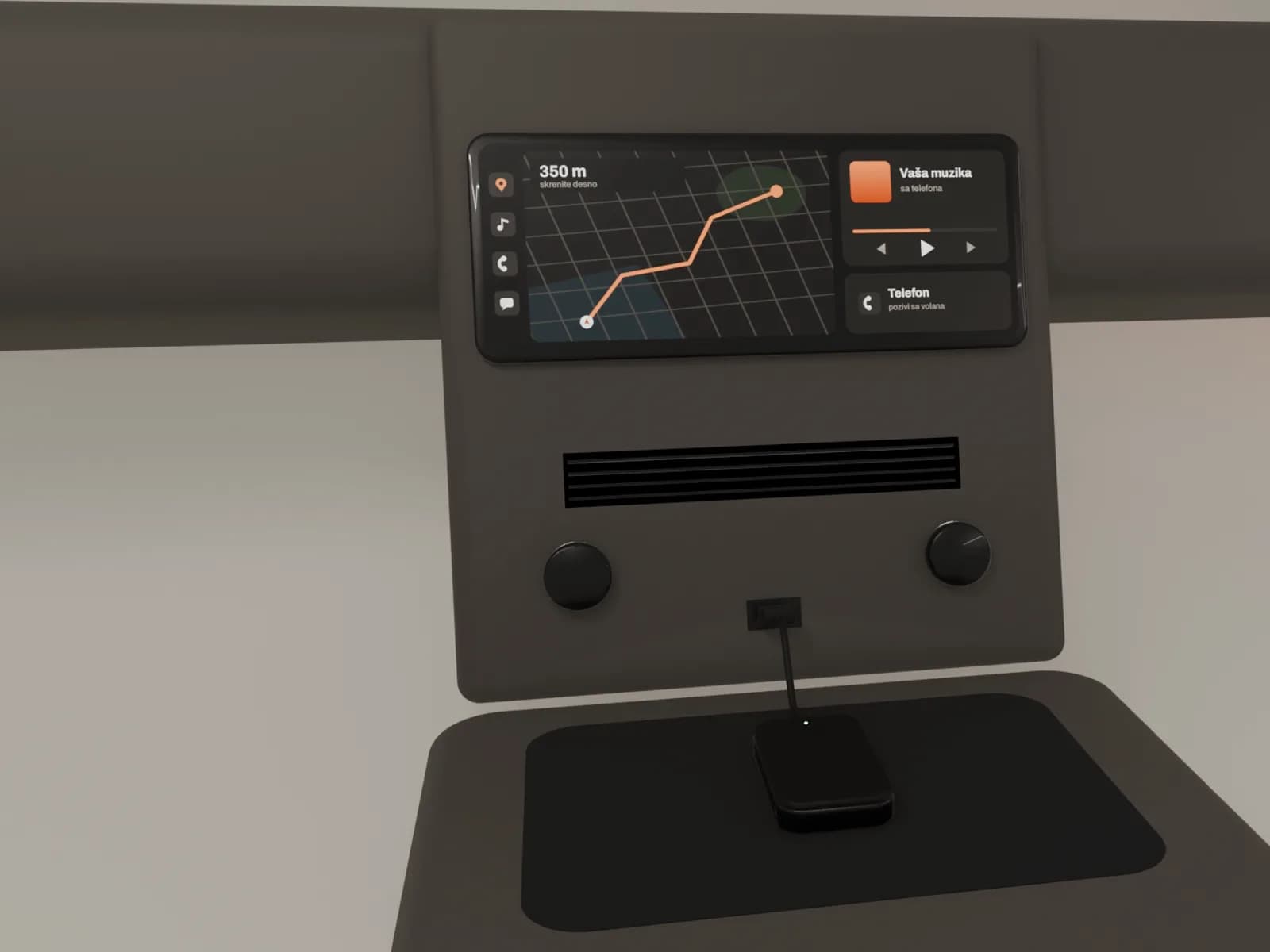
CarPlay shows maps, calls, messages and music from an iPhone on the car screen, and Android Auto does the same for an Android phone. An adapter works when the car screen already shows CarPlay or Android Auto while the phone is plugged in with a cable. The adapter only replaces the cable. It does not add CarPlay to a screen that does not have it.
Check it like this:
- Start the car. On the iPhone, check that Siri is turned on.
- Plug the phone into the car USB port with a cable. The USB port for CarPlay may have a CarPlay or phone symbol.
- If CarPlay does not start by itself, look for the CarPlay or Android Auto symbol on the car screen and tap it.
- If nothing appears, try another cable and another USB port, if the car has one.
- If CarPlay or Android Auto appears on the screen, your car has what an adapter needs.
What your car has
 CarPlay works over a cableAn adapter in the USB port gives the wireless link.
 The car already has wireless CarPlayThe phone connects without a cable and without an adapter.
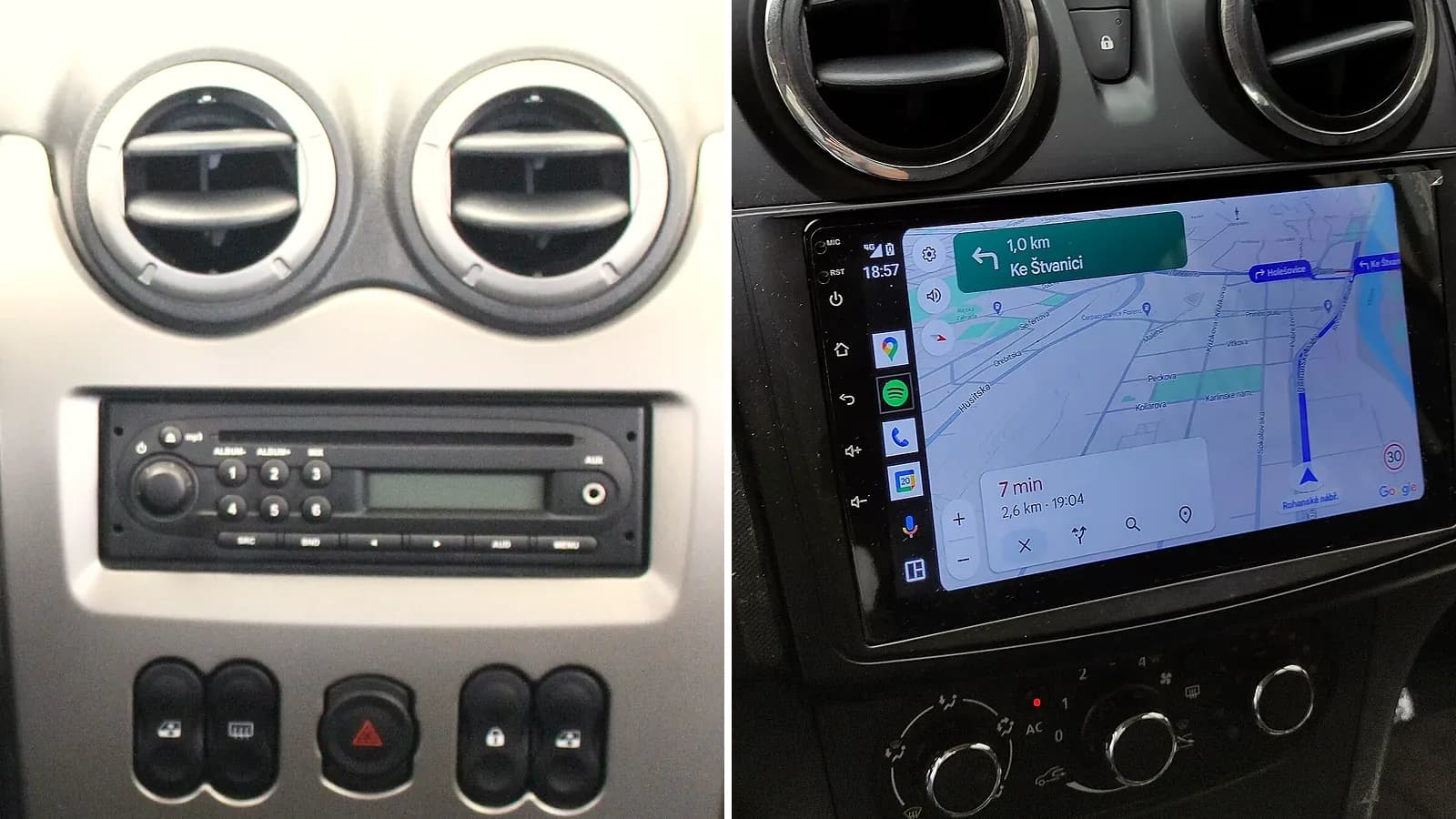
 CarPlay does not appear even over a cableMany factory screens have CarPlay and Android Auto built in, but locked, so activation switches them on. Some then also work wirelessly, and for the rest an adapter gives the wireless link. More about CarPlay activation
 CarPlay cannot be switched on for the screenFor some there is a module fitted behind the screen. In place of an old radio goes a new head unit with CarPlay and Android Auto. More about CarPlay for a car without it
Pairing the adapter for the first time
- On the phone, turn on Bluetooth and Wi-Fi.
- If the phone was paired with the car over Bluetooth before, some adapters ask you to first delete it from the car's Bluetooth settings.
- Plug the adapter into the USB port that runs CarPlay or Android Auto.
- Pair the phone with the adapter following the instructions that come with it.
What to check before you buy an adapter
Which adapter: depends on the phone and the car
- iPhone and Android in the same car: an adapter that does both.
- Two drivers: an adapter that remembers two phones and has a switch button.
- Make of car: not every adapter works with every car.
- USB in the car: some adapters come with a part for the other USB shape.
What the phone needs
- iPhone 6 or newer.
- An Android phone with Android 11 or newer.
A car that already has wireless CarPlay or Android Auto
If the car has CarPlay both over a cable and wirelessly, plug the iPhone in with a cable the first time. The phone then offers the wireless link by itself.
If the car has only wireless CarPlay:
- On the steering wheel, press and hold the voice command button. The radio should be in wireless or Bluetooth mode. The car manual says how to switch it.
- On the iPhone, open Wi-Fi in Settings and turn it on. Tap the "i" symbol next to the CarPlay network and turn on Auto-Join.
- In Settings, under General, then CarPlay, choose the car.
An Android phone pairs with the car over Bluetooth the first time, and after that Android Auto starts by itself. More about connecting Android Auto
Wireless CarPlay won't connect
- Check that Bluetooth and Wi-Fi are on on the phone. In Wi-Fi settings, on the CarPlay network, turn on Auto-Join.
- If CarPlay does not start by itself, tap the CarPlay symbol on the car screen.
- Turn the phone and the car off and on again.
- On the iPhone, in Settings, under General, then CarPlay, choose the car and forget it. Then connect it again.
If CarPlay doesn't work over a cable either, the problem is not the adapter. More about CarPlay activation