Skip to content
auto/industrija
Menu

Not sure what the service is called? Send the make, model, year and what is happening: Message us on WhatsApp
Services by type

All services

Theft protection

Back to types

Faults and diagnostics

Back to types

Electronics and accessories

Back to types

Maintenance and care

Back to types

Inspection, registration and towing

Back to types
Call

Android Auto and CarPlay activation

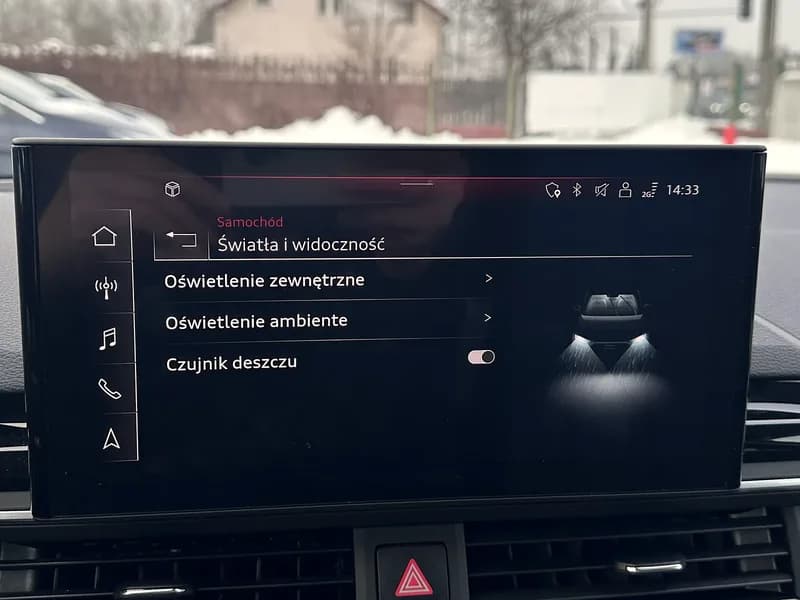
The factory screen in your car has no CarPlay or Android Auto? Some screens have them, but they are not switched on. We switch them on, without a new screen.

Send us the make, model and year.

We work in several cities in Serbia. Tell us your city.

How much does activation cost

You pay for activation, not a new screen.

Price
We tell you when you send the make, model and year, and confirm it once we read the screen, before the work.
Payment
Cash or through a company.
Place and time
Tell us your city, we agree it by phone.

What the price depends on

  • Which type of screen your car has.
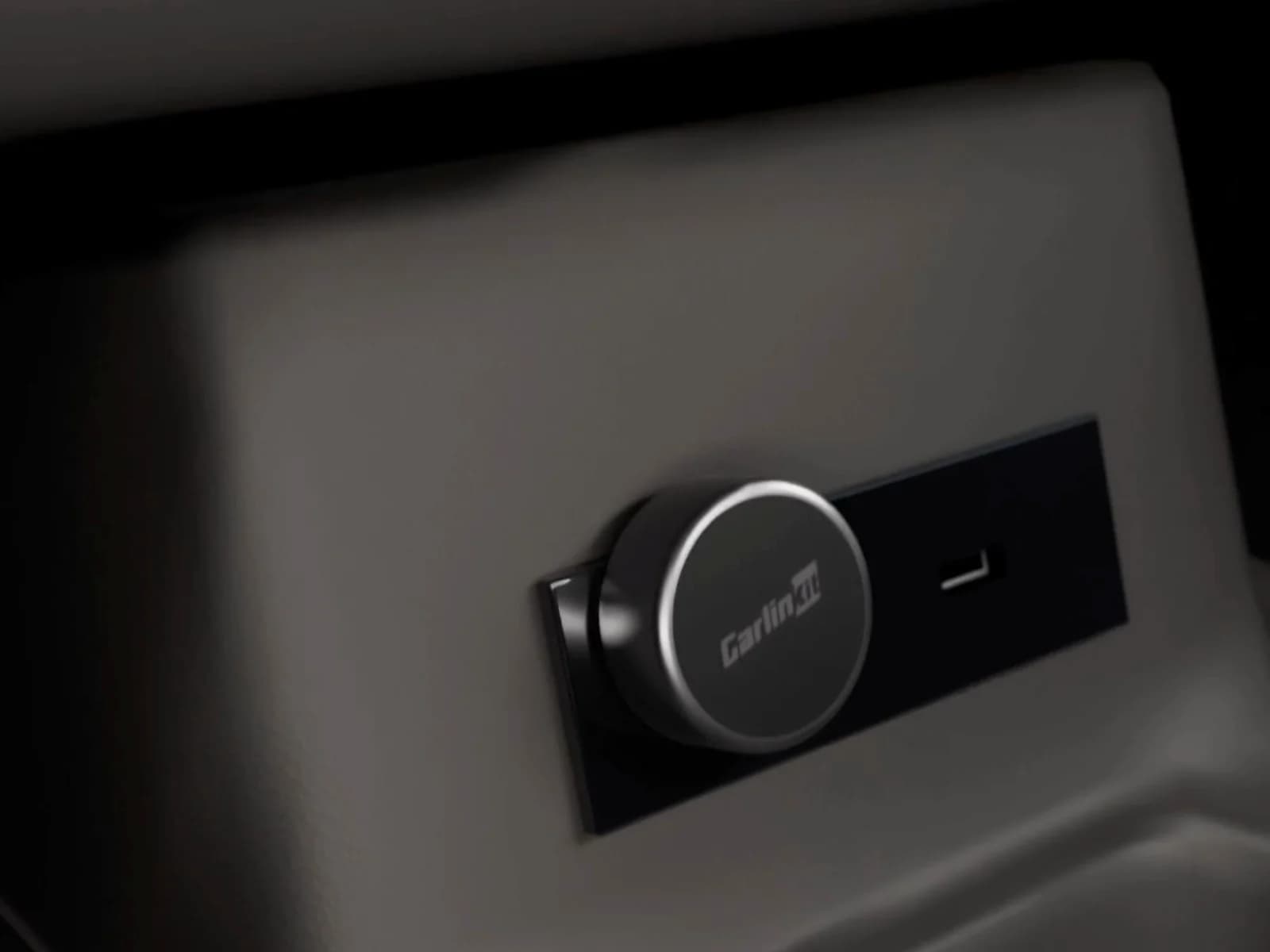
  • Whether the screen needs a new USB port for CarPlay.
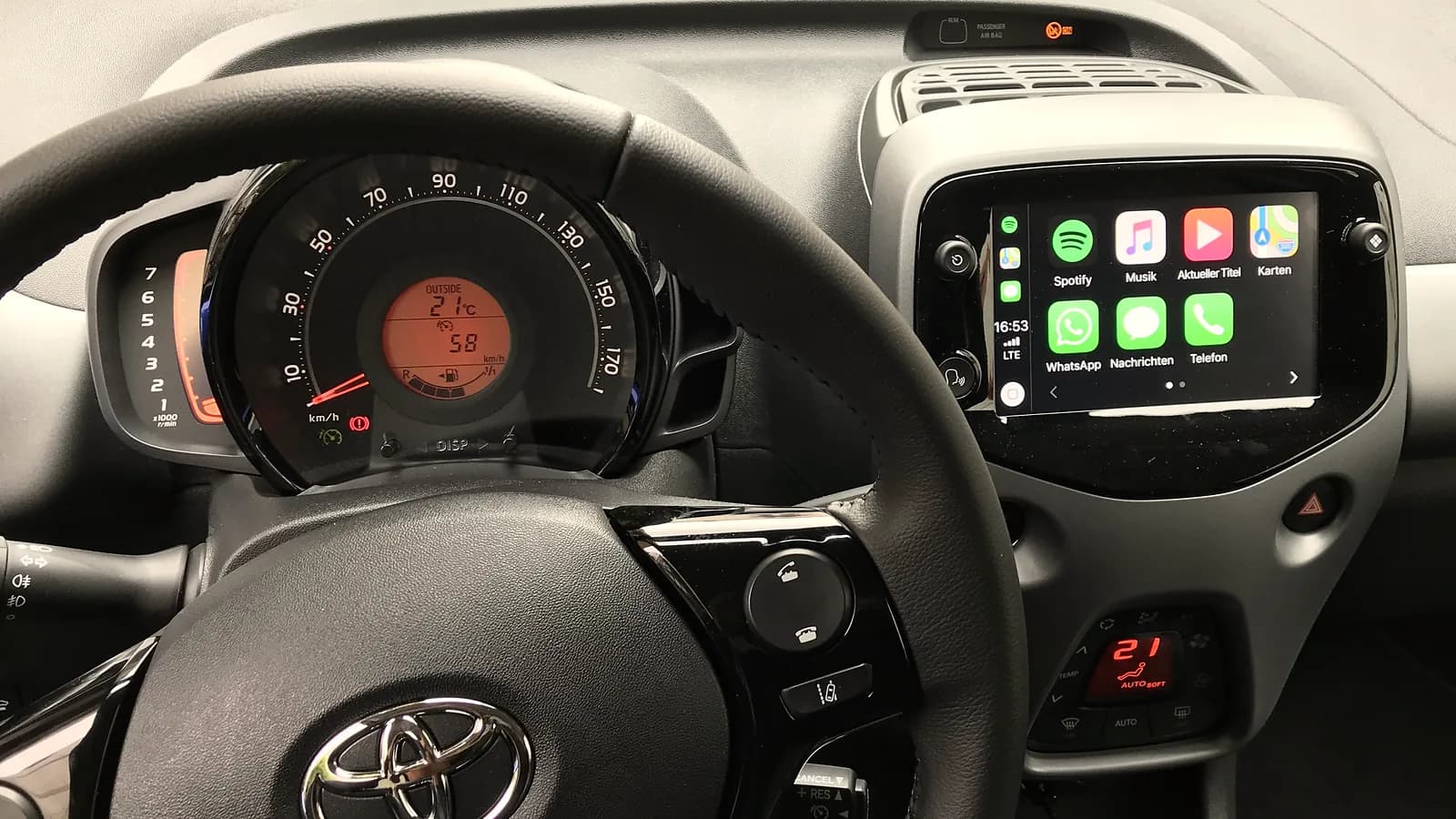
A factory car screen with CarPlay: icons for music, maps, WhatsApp, messages and phone

What works on the screen after activation

The apps from your phone on the car screen. You control them by voice, the touch screen or the dial.

  • Navigation Google Maps, Waze or Apple Maps, with directions through the car speakers.
  • Music Podcasts and radio from the apps on your phone.
  • Calls Without the phone in your hand. The fine for a phone in your hand while driving is 10,000 dinars.
  • Messages You send and listen to them by voice, without looking at the phone.

Important

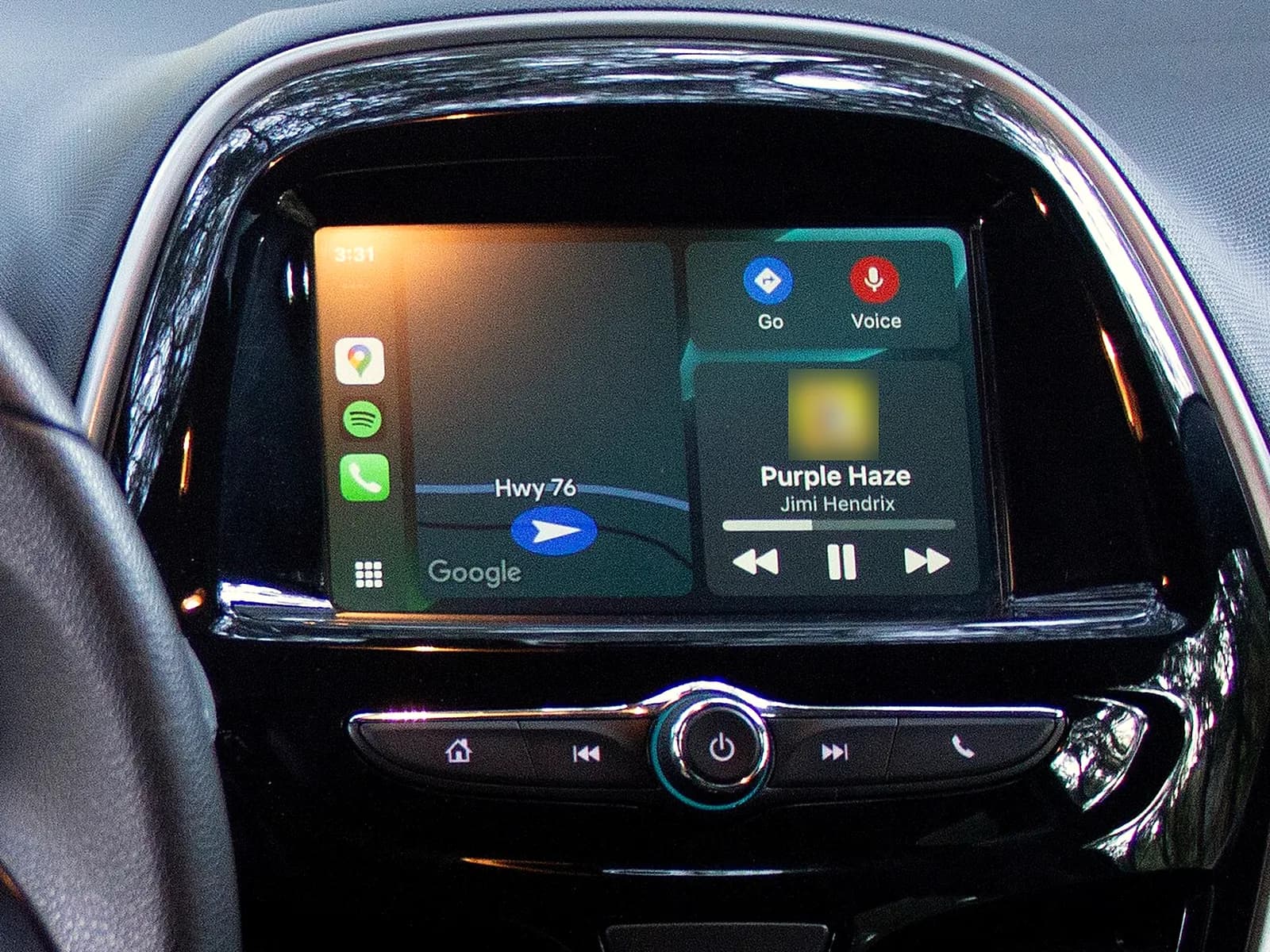
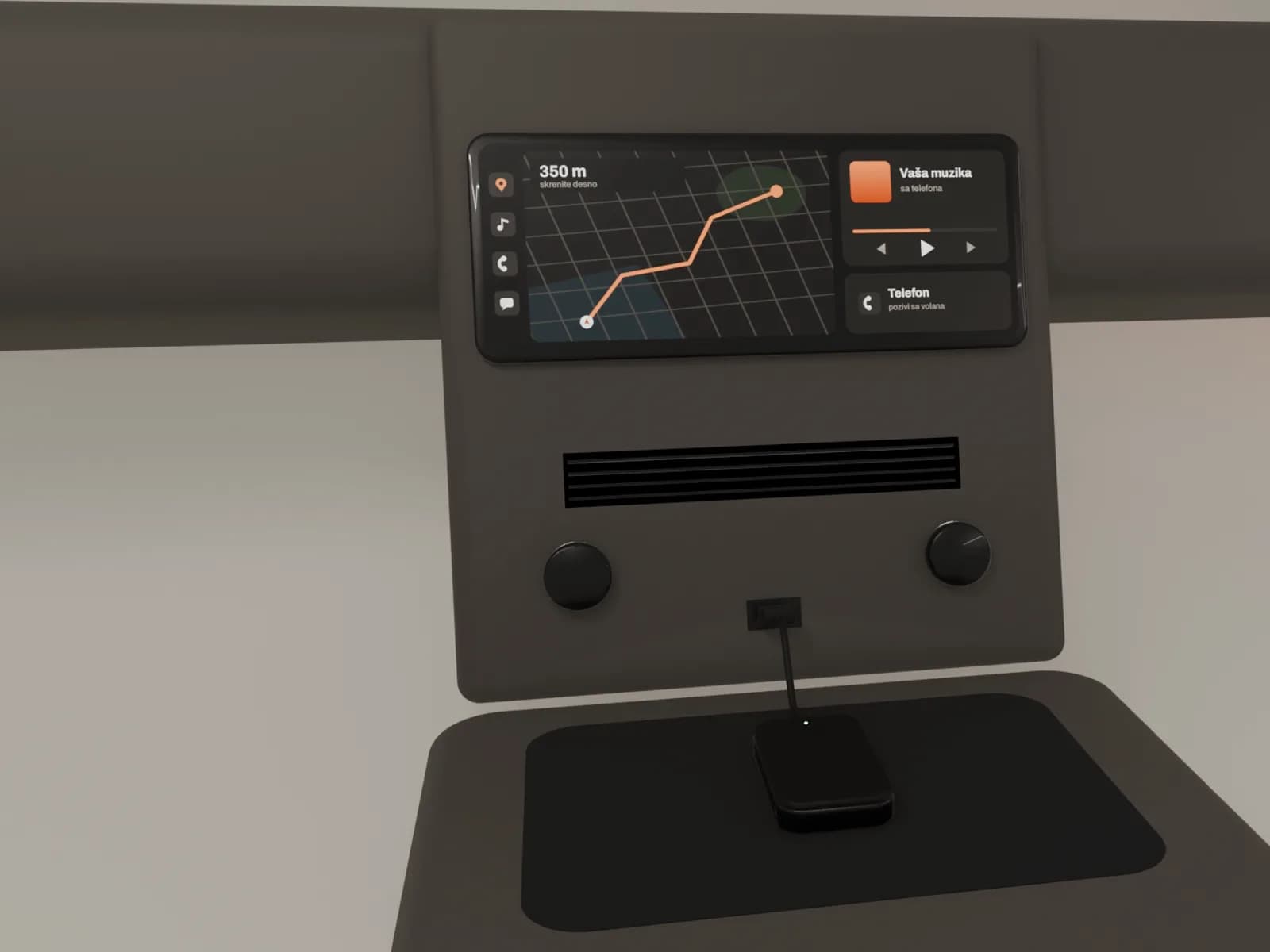
A car screen with CarPlay: a map with the road on the left, the song playing on the right

How we do the activation

  1. 1

    You send the car model

    Send us the make, model and year. If you are not sure which screen you have, also send a photo of the screen. We tell you whether your screen can do it and what it costs, and confirm it once we read the screen. We agree the place and time by phone.

  2. 2

    We read the screen and confirm the price

    We read your screen with a computer. If it cannot get CarPlay, we tell you before the work.

    Work starts only when you agree.

  3. 3

    We switch on CarPlay, Android Auto or both

    We switch on everything your screen has. When the screen needs a new USB port, we replace it and set up the screen to recognise it.

  4. 4

    We connect your phone

    We connect the phone by cable or wirelessly, as your screen works, and test a call, maps and music. We show you how to use it.
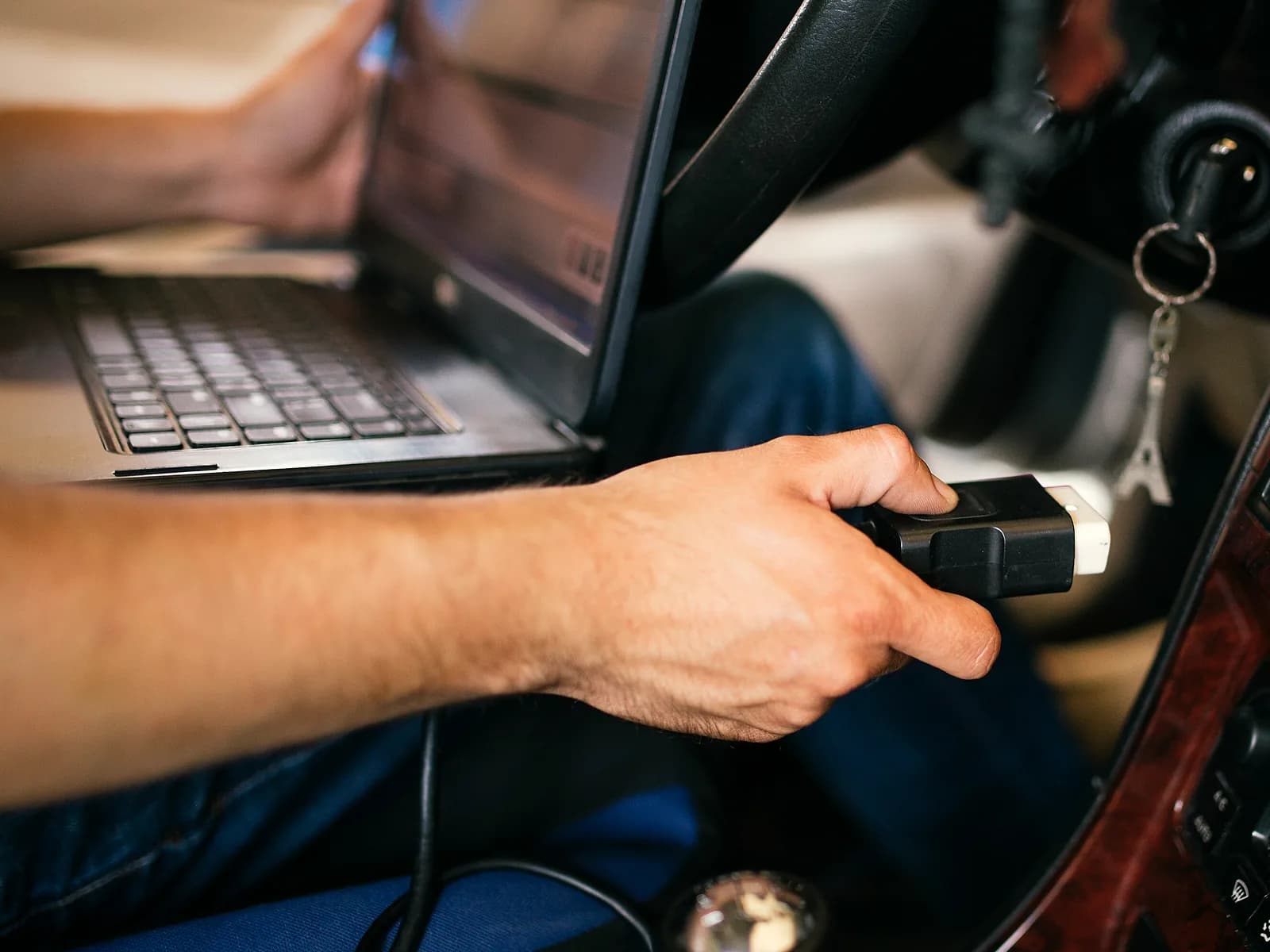
A laptop in the car, and a hand plugging its cable into the port under the steering wheel

Can your screen get CarPlay

It can when the screen has CarPlay built in, but it is not switched on. That depends on the type of screen and the software version in it.

The same car model can have a different screen, depending on the year and trim. So when you are not sure which screen you have, also send a photo of the screen.

Some screens work only by cable, and newer ones also wirelessly.
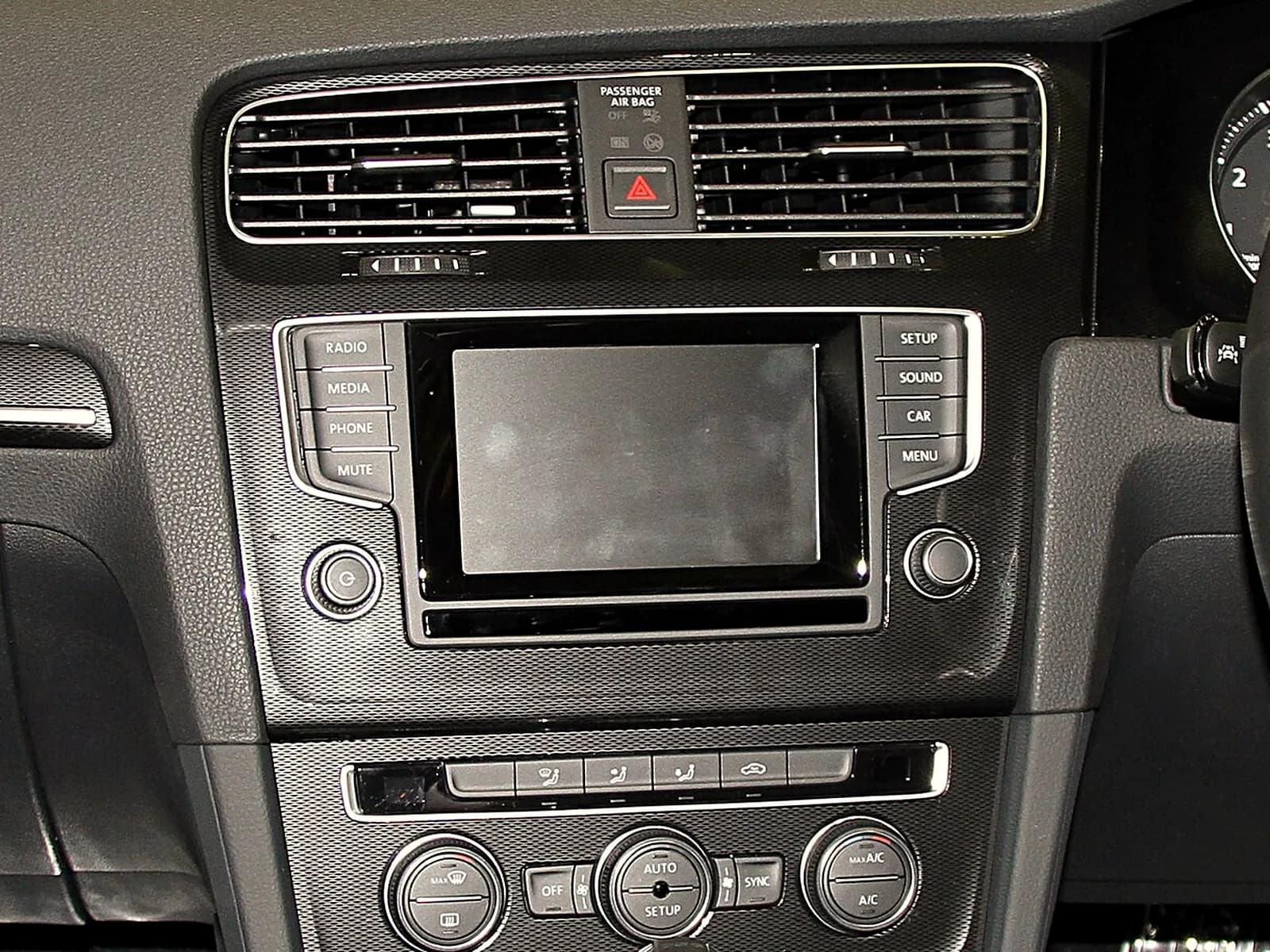
Same model, two screens

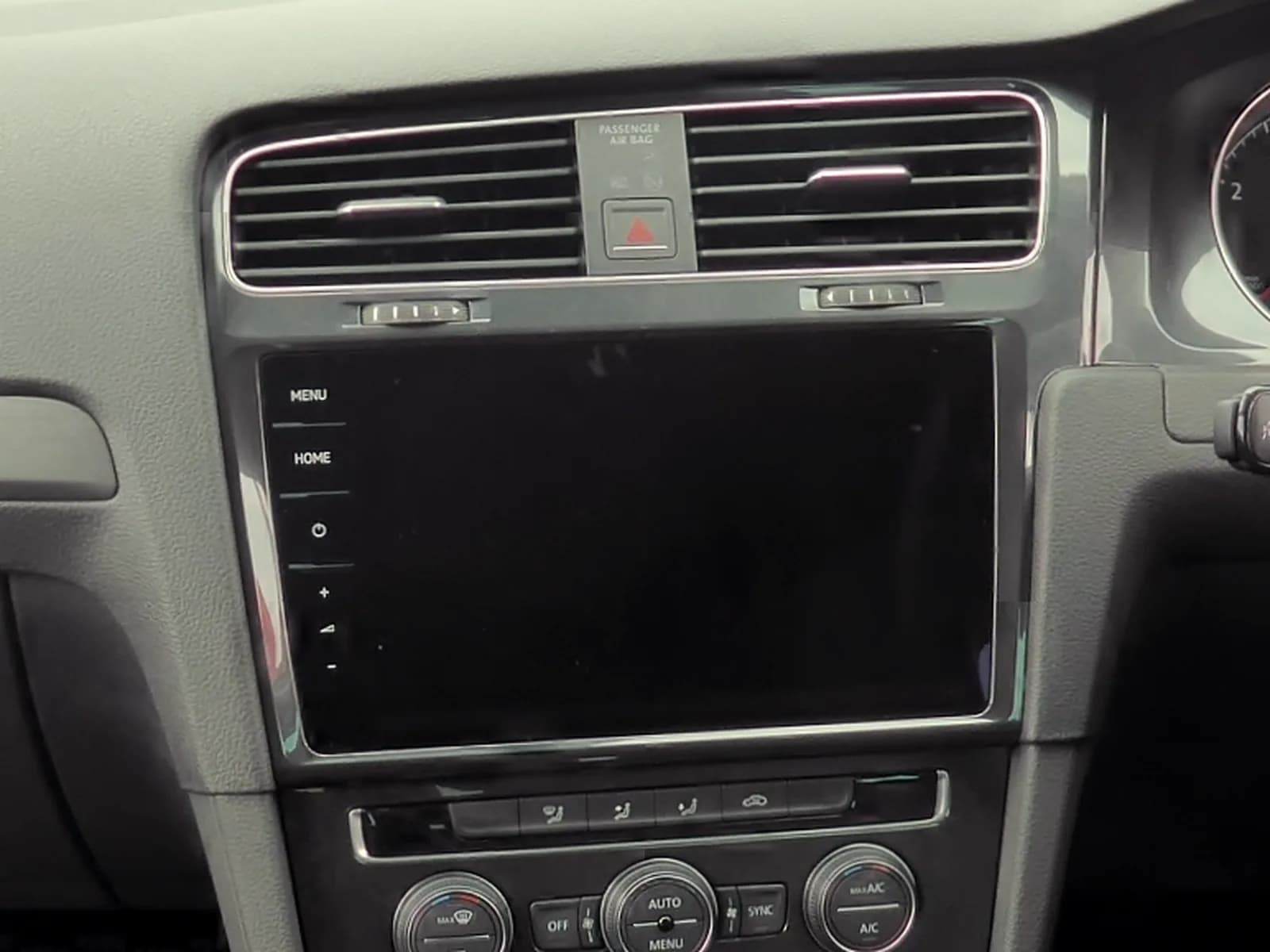
The dashboard of an older year: a smaller screen with buttons to the left and right of it
Older year A smaller screen with buttons around it.
The dashboard of a newer year of the same model: a larger glass touch screen, without side buttons
Newer year A larger touch screen.

What your phone needs

After activation CarPlay and Android Auto work with a phone that has this:

  • iPhone: Siri switched on.
  • Android: Android 11 or newer and an active data plan. For a wireless connection the phone also needs 5 GHz Wi-Fi. If you are not sure, ask us.
  • Android Auto is already in the phone. You do not need to download it as an app.
  • For a cable connection, a good USB cable. For an iPhone, Apple's cable.

How to connect another phone

We connect your phone the first time, at the end of the job. You connect another phone yourself, in this order. Keep the car parked, with the car screen on.

When the screen works only by cable, a small adapter in the same USB port gives a wireless connection. More about the wireless CarPlay adapter

  1. By cable, iPhone and Android: plug the cable into the car USB port, then into the phone, and follow the instructions on the phone and car screens. The USB port for the phone often has a phone or CarPlay symbol. If the phone asks you to update Android Auto, accept.
  2. Wirelessly, iPhone, when the screen also works by cable: plug in the cable the first time. The iPhone will offer to connect without a cable next time.
  3. Wirelessly, iPhone, when the screen works only wirelessly: hold the voice command button on the steering wheel. On the iPhone switch on Wi-Fi, then open Settings, General, CarPlay and choose your car.
  4. Wirelessly, Android: on the phone switch on Bluetooth, Wi-Fi and location. Hold the voice command button on the steering wheel to open the new phone menu. Pair the phone with the car following the instructions on the screen. Android Auto starts by itself in a few seconds. If it does not start, tap Android Auto on the car screen.

If the phone does not connect, message us on WhatsApp.

More about when Android Auto does not work

Updated 27 October 2026.

Questions

How much does activation cost?
The price depends on the type of screen and whether a new USB port is needed. We tell you the price when you send the make, model and year, and confirm it once we read the screen, before the work.
Do I need a new radio or screen?
No, when your screen has CarPlay built in. Then we switch it on, and some screens also need a new USB port. When the screen has no CarPlay, we fit new multimedia with CarPlay. More about multimedia installation
Can CarPlay work wirelessly?
It depends on the screen. Newer screens also work wirelessly, and some older ones only by cable. If CarPlay or Android Auto works with a cable now, with an adapter it also works without one. More about the wireless adapter
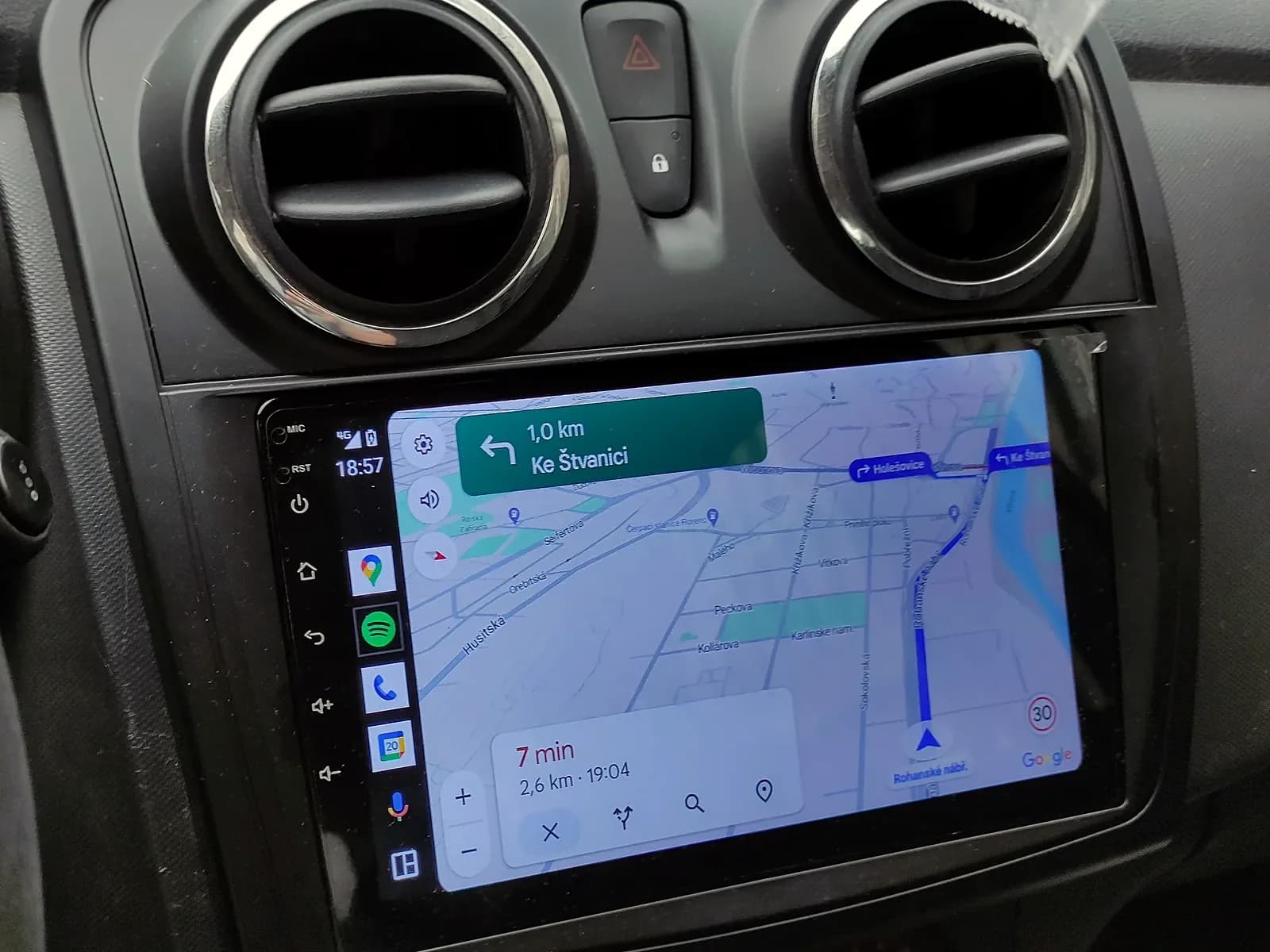
What is the difference between CarPlay and Android Auto?
CarPlay is for iPhone and works with Siri. Android Auto is for Android phones and works with Gemini. Google Maps and Waze work on both.
Do CarPlay and Android Auto use mobile data?
Yes, they use the internet from your phone. That is why Android Auto needs a phone with an active data plan.

Related services

A touch screen in a car dashboard showing navigation

Car multimedia

A touch screen with CarPlay and Android Auto instead of the old radio.

More about multimedia
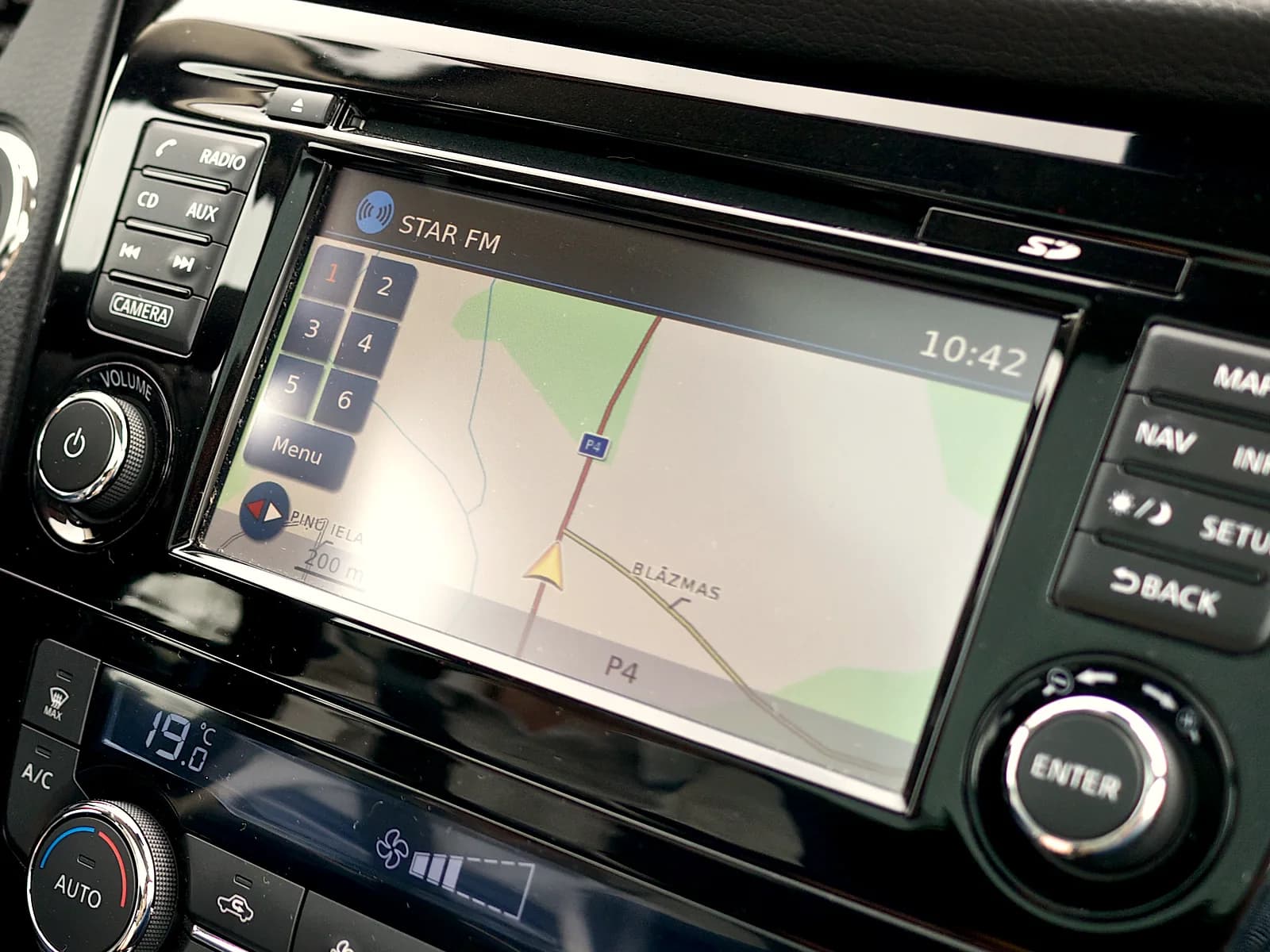
Factory navigation with a map on the car screen

Map updates

A new map of Europe, with Serbia, on your factory navigation.

More about maps